1
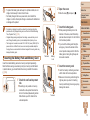
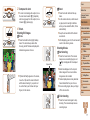
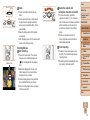
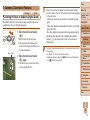
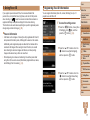
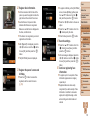
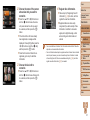
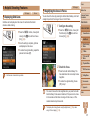
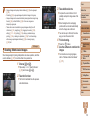
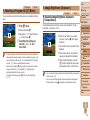
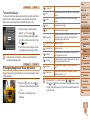
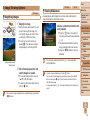
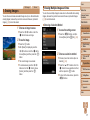
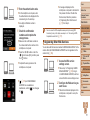
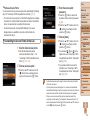
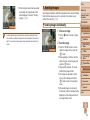
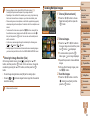
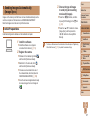
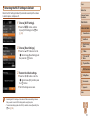
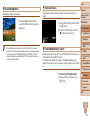
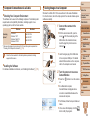
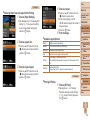
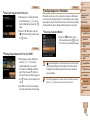
• Up to 50 images can be sent together at once. You can send movies together
as long as the total playback time is within two minutes.
• Web services may limit the number of images you can send. For details, refer
to the Web service you are using.
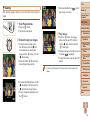
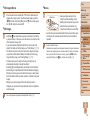
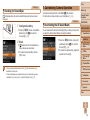
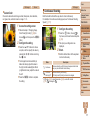
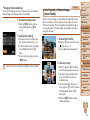
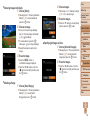
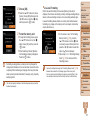
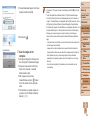
• You can also choose images in step 2 by moving the zoom lever twice toward
<k> to access single-image display and then pressing the <q><r> buttons or
turning the <7> dial.
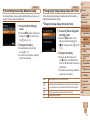
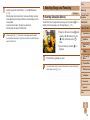
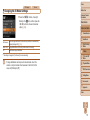
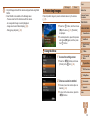
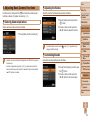
• In step 3, you can choose the desired resolution (size) of your images before
sending (= 43).
Cover
Adding Comments
Before Use
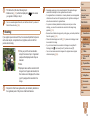
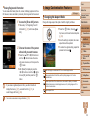
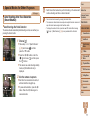
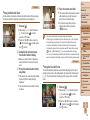
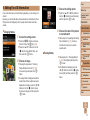
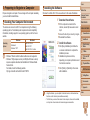
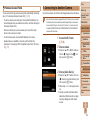
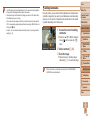
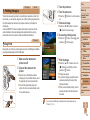
Using the camera, you can add comments (alphanumeric characters and
symbols) to images that you send to e-mail addresses, social networking
services, etc. The number of characters and symbols that can be entered
may differ depending on the Web service.
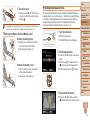
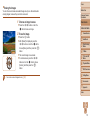
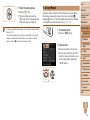
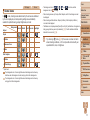
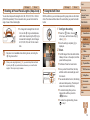
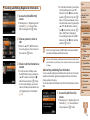
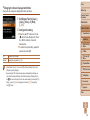
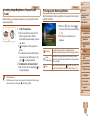
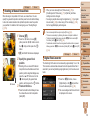
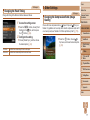
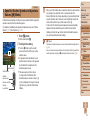
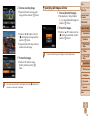
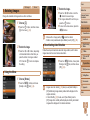
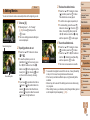
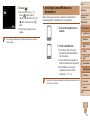
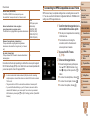
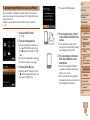
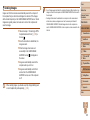
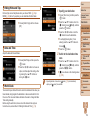
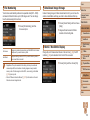
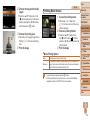
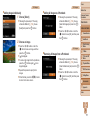
1 Access the screen for adding
comments.
zz
Press the <o><p><q><r> buttons to
choose [ ], and then press the <m>
button.
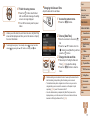
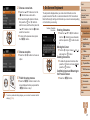
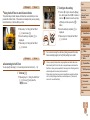
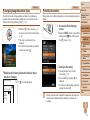
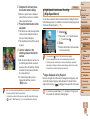
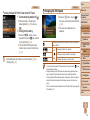
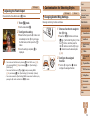
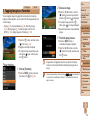
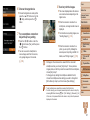
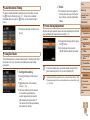
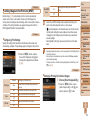
2 Add a comment (= 25).
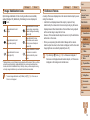
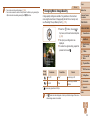
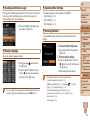
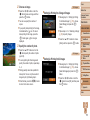
3 Send the image.
zz
Follow the steps in “Sending Images
Individually” (= 123) to send the image.
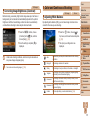
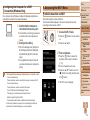
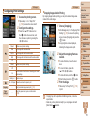
• When a comment is not entered, the comment set in CANON iMAGE
GATEWAY is automatically sent.
Common Camera
Operations
Basic Guide
Advanced Guide
1
2
3
4
5
6
7
8
9
10
Camera Basics
Auto Mode
Other Shooting
Modes
P Mode
Tv, Av, and M
Mode
Playback Mode
Wi-Fi Functions
Setting Menu
Accessories
Appendix
Index
125