Download User's Guide User's Guide
Transcript
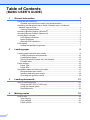
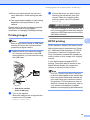
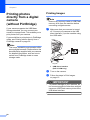
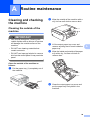
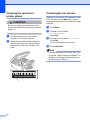
PhotoCapture Center™ print settings..................................................................20 Print Quality ...................................................................................................20 Paper options ................................................................................................20 Adjusting Brightness, Contrast and Colour....................................................21 Cropping ........................................................................................................22 Borderless printing.........................................................................................23 Date Print.......................................................................................................23 Setting your changes as a new default..........................................................23 Restoring all settings to the factory settings ..................................................23 Scan to a memory card or USB Flash memory drive ..........................................24 Auto Crop ......................................................................................................24 How to set a new default ...............................................................................25 How to reset to factory settings .....................................................................25 5 Printing photos from a camera (DCP-J715W only) 26 Printing photos directly from a PictBridge camera ...............................................26 PictBridge requirements ................................................................................26 Setting your digital camera ............................................................................26 Printing Images..............................................................................................27 DPOF printing ................................................................................................27 Printing photos directly from a digital camera (without PictBridge)......................28 Printing Images..............................................................................................28 A Routine maintenance 29 Cleaning and checking the machine ....................................................................29 Cleaning the outside of the machine .............................................................29 Cleaning the machine’s printer platen ...........................................................30 Checking the ink volume ...............................................................................30 Packing and shipping the machine ......................................................................31 iii B Glossary 33 C Index 34