Download Connect Control User Guide
Transcript
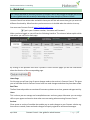
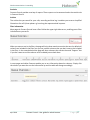
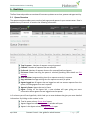
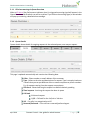
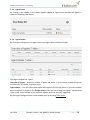
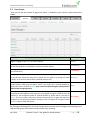
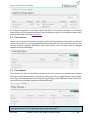
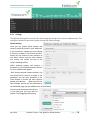
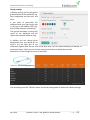
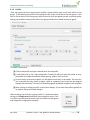
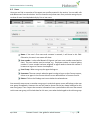
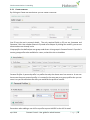
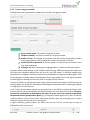
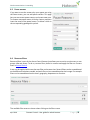
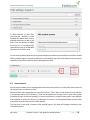
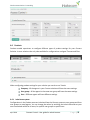
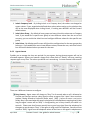
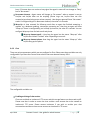
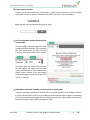
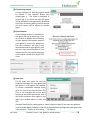
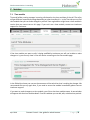
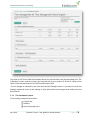
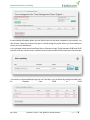
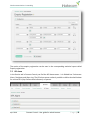
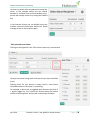
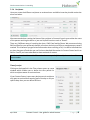
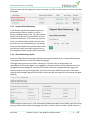
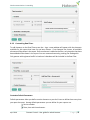
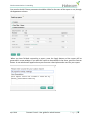
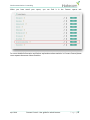
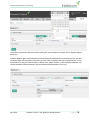
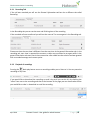
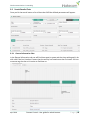
Good communication is rewarding Here you can select which recipients will receive this alarm. In the example below you can choose between 3 recipients but we have decided only 1 person will actually receive it by ticking the Enabled box In the Interval column you can decide how many minutes minimum should pass before this Alarm message is sent to the recipient again. Time period for your alarm Clicking on the hyperlink in the Time column opens up a new window Here you can select during which time period your alarm should be active. Defining times for your alarms is mostly used in cases where thresholds values are less than (<) something. For example an alarm that is triggered when there are less than X < agents logged on, this criteria will almost always be broken outside of opening hours and you will receive Alarm message. April 2014 Connect Control –User guide for administrators P a g e | 44