1
Chapter 26: Network Monitoring UI
•
Receive SNMP traps directly from devices and other enterprise management systems
(EMSs)
•
Forward traps to other EMSs
•
Generate and display events and alarms
•
Get basic correlation with alarms; for example, clearing alarms, deduplicating alarms
•
Detect device faults based on data collected from devices
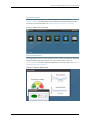
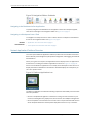
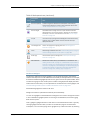
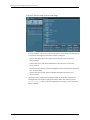
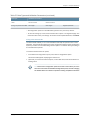
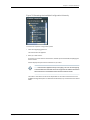
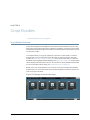
You can perform the following tasks from the Network Monitoring workspace:
•
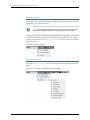
Node List: List all the devices under monitoring (see “Viewing the Node List” on page 301)
•
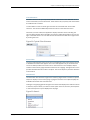
Search: Search for devices (see “Searching in the Network Monitoring Workspace” on
page 302)
•
Outages: View unavailable (down) services (see “Viewing and Tracking Outages” on
page 306)
•
Events: View events (see “Viewing, Querying, and Acknowledging Events” on page 307)
•
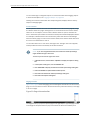
Alarms: View alarms (see “Viewing and Acknowledging Alarms” on page 310)
•
Notifications: Display notices received by users (see “Viewing, Configuring, and
Searching for Notifications” on page 314)
•
Assets: Search asset information and assets inventory (see “Tracking and Searching
for Assets” on page 306)
•
Reports: View reports (see Working With Reports)
•
Charts: View charts (see “Viewing Charts” on page 321)
•
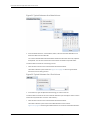
Admin: Perform system administration (see “Admin: Configuring Network Monitoring”
on page 321)
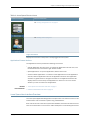
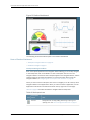
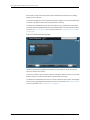
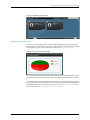
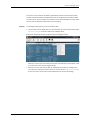
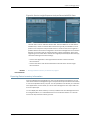
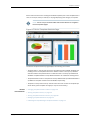
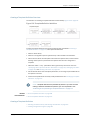
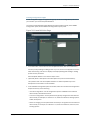
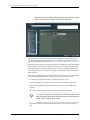
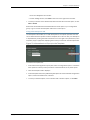
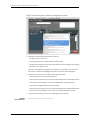
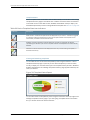
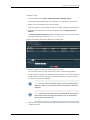
The main Network Monitoring landing page is a dashboard, displaying the most important
information about your nodes:
•
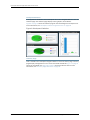
Nodes with outages
•
Availability over the last 24 hours
•
Notifications (outstanding notices)
•
On-call schedule
•
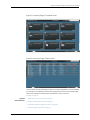
Key SNMP customized (KSC) performance reports (if defined and available)
In addition, from this page you can do quick searches on nodes and resource graphs.
Related
Documentation
•
Network Monitoring Reports Overview on page 300
Copyright © 2014, Juniper Networks, Inc.
299