1
Chapter 2: Understanding the Junos Space User Interface
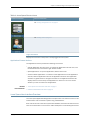
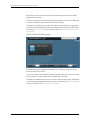
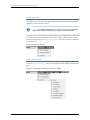
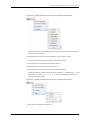
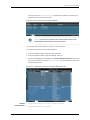
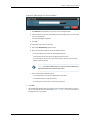
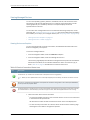
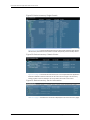
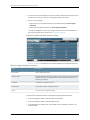
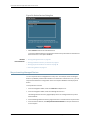
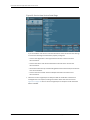
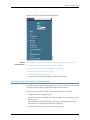
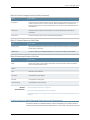
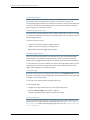
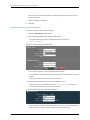
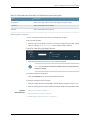
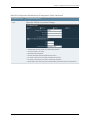
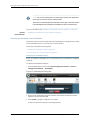
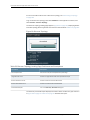
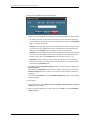
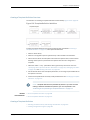
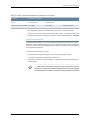
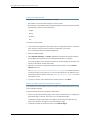
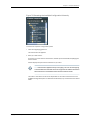
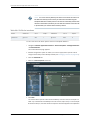
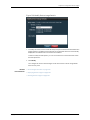
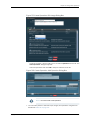
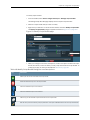
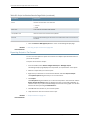
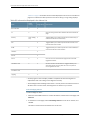
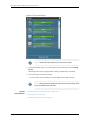
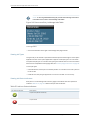
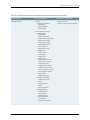
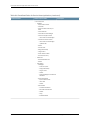
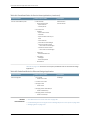
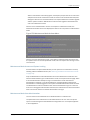
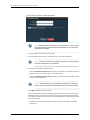
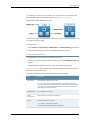
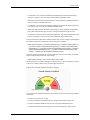
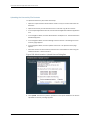
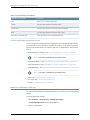
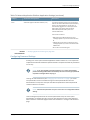
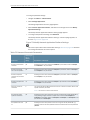
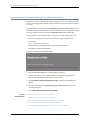
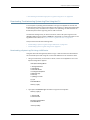
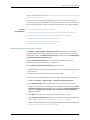
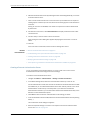
Figure 33: Typical Submenu for a Column of Discrete Elements
2. On the list of elements, mark the check boxes for one or more elements to filter the
table for only those entries.
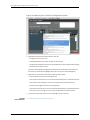
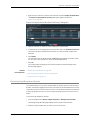
To filter a table on entries in a column of boolean (“true” or “false”) values:
1.
Click the down arrow on the column header and choose Filters.
2. Choose either True or False from the Filters submenu.
To filter a table on entries in list of numerical values:
1.
Click the down arrow on the column header and choose Filters.
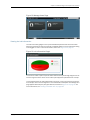
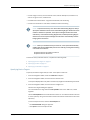
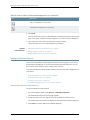
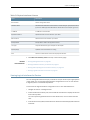
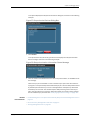
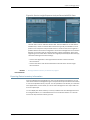
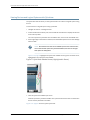
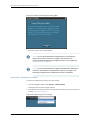
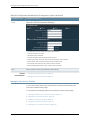
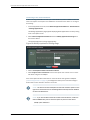
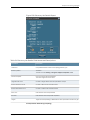
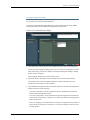
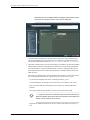
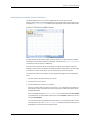
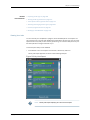
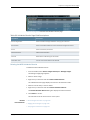
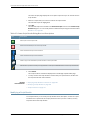
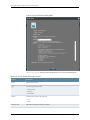
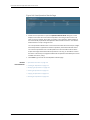
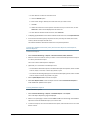
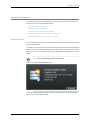
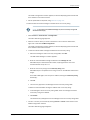
The Filters submenu contains text boxes for the operators “<” (greater than), “>” (less
than), and “=” (equals). Figure 34 on page 37 shows a typical Filter submenu for a
column of numerical values.
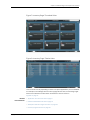
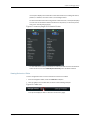
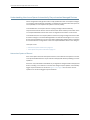
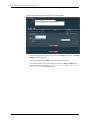
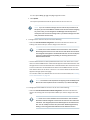
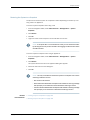
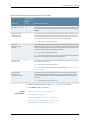
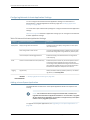
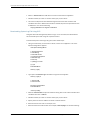
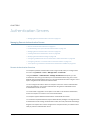
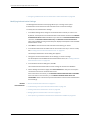
Figure 34: Typical Submenu for a Column of Numerical Values
2. Enter values for the different operators.
Copyright © 2014, Juniper Networks, Inc.
37