1
Appendix 7: Save/Cancel Barcodes
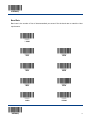
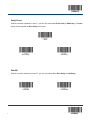
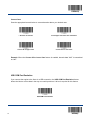
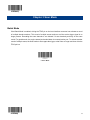
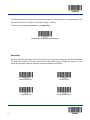
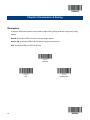
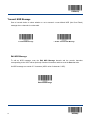
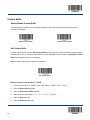
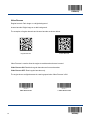
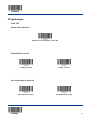
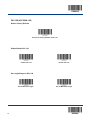
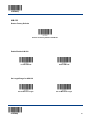
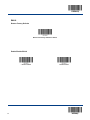
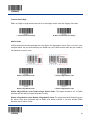
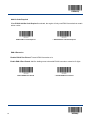
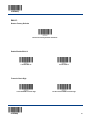
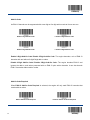
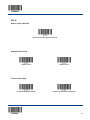
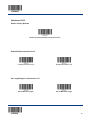
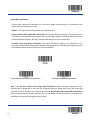
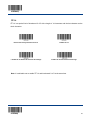
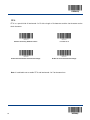
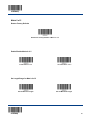
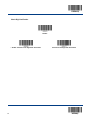
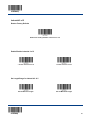
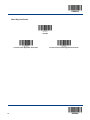
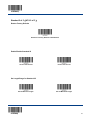
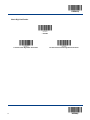
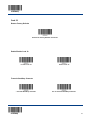
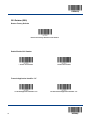
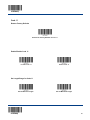
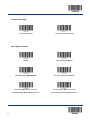
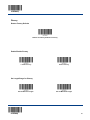
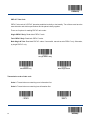
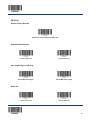
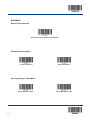
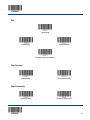
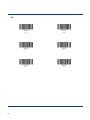
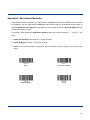
After reading numeric barcode(s), you need to scan the Save barcode to save the data. If you scan the
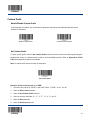
wrong digit(s), you can either scan the Cancel barcode and then start the configuration all over again, or
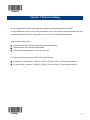
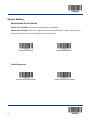
scan the Delete the Last Digit barcode and then the correct digit, or scan the Delete All Digits barcode
and then the digits you want.
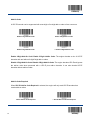
For instance, after reading the Maximum Length barcode and numeric barcodes “1”, “2” and “3”, you
scan:
!
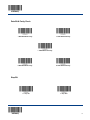
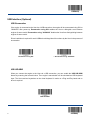
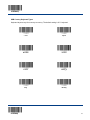
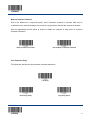
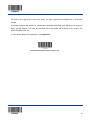
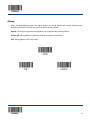
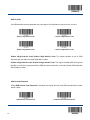
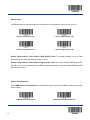
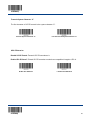
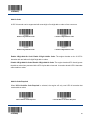
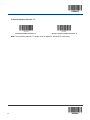
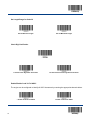
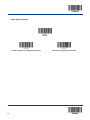
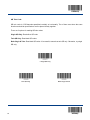
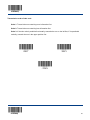
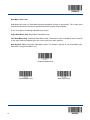
Delete the Last Digit: The last digit “3” will be removed.
!
Delete All Digits: All digits “123” will be removed.
!
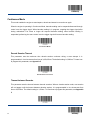
Cancel: The maximum length configuration will be cancelled. And the engine is still in the setup
mode.
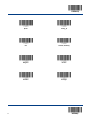
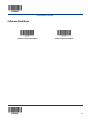
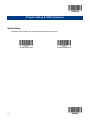
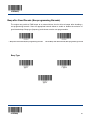
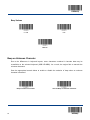
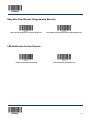
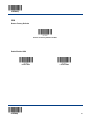
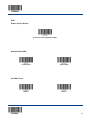
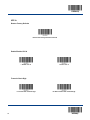
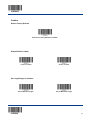
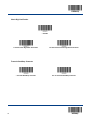
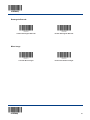
Save
Delete the Last Digit
Delete All Digits
Cancel
120