1
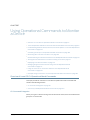
Chapter 7: Using Operational Commands to Monitor a Device
•
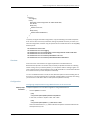
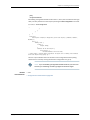
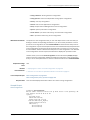
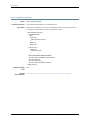
Other platforms:
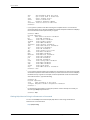
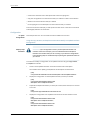
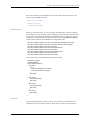
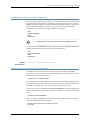
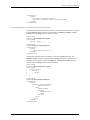
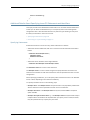
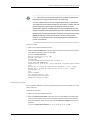
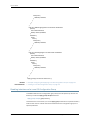
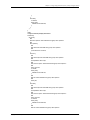
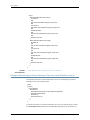
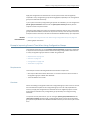
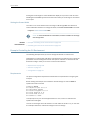
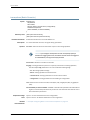
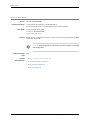
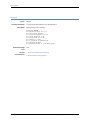
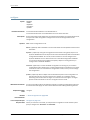
type-fpc/pic/port.logical
Channel Identifier Part of an Interface Name
The channel identifier part of the interface name is required only on channelized interfaces.
For channelized interfaces, channel 0 identifies the first channelized interface. For
channelized intelligent queuing (IQ) interfaces, channel 1 identifies the first channelized
interface.
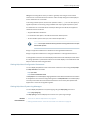
NOTE: Depending on the type of channelized interface, up to three levels of
channelization can be specified. For more information, see the Junos Network
Interfaces Configuration Guide.
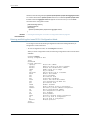
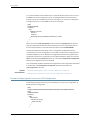
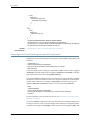
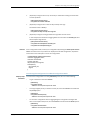
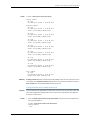
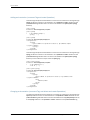
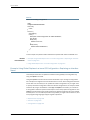
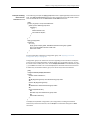
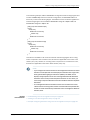
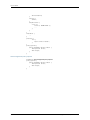
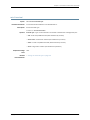
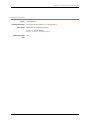
A colon (:) separates the physical and virtual parts of the interface name:
•
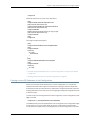
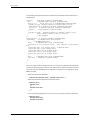
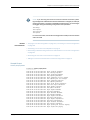
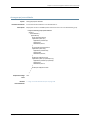
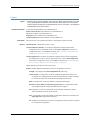
SRX devices:
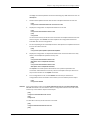
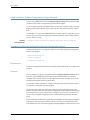
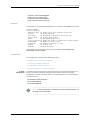
type-slot/pim-or-ioc/port:channel
type-slot/pim-or-ioc/port:channel:channel
type-slot/pim-or-ioc/port:channel:channel:channel
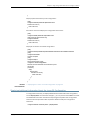
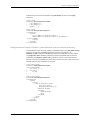
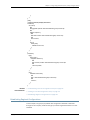
•
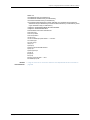
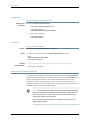
Other platforms:
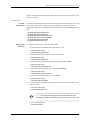
type-fpc/pic/port:channel
type-fpc//pic/port:channel:channel
type-fpc/pic/port:channel:channel:channel
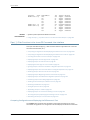
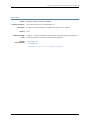
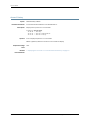
Related
Documentation
•
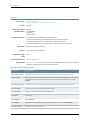
Example: Configuring Interfaces Using Junos OS Configuration Groups on page 224
•
Junos OS Network Interfaces Library for Routing Devices
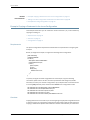
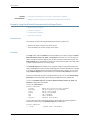
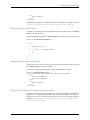
Viewing Files and Directories on a Device Running Junos OS
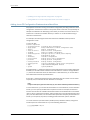
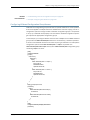
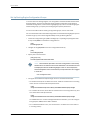
Junos OS stores information in files on the device, including configuration files, log files,
and router software files. This topic shows some examples of operational commands
that you can use to view files and directories on a device running Junos OS.
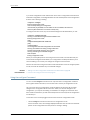
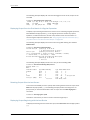
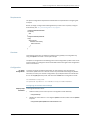
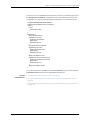
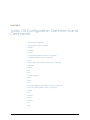
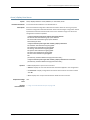
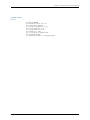
Sections include:
•
Directories on the Router or Switch on page 171
•
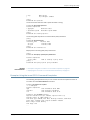
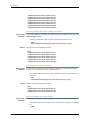
Listing Files and Directories on page 172
•
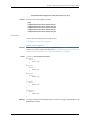
Specifying Filenames and URLs on page 174
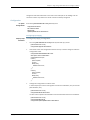
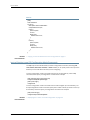
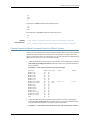
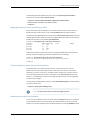
Directories on the Router or Switch
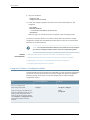
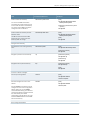
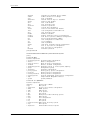
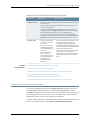
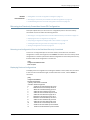
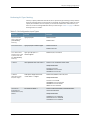
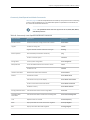
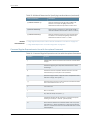
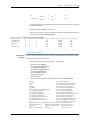
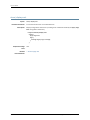
Table 9 on page 172 lists some standard directories on a device running Junos OS.
Copyright © 2015, Juniper Networks, Inc.
171