1
Chapter 5 Access Control List Screens
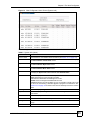
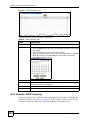
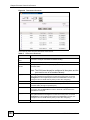
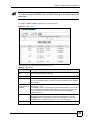
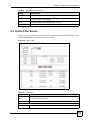
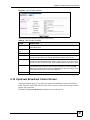
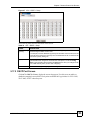
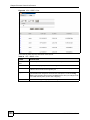
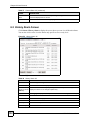
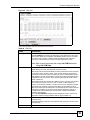
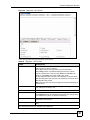
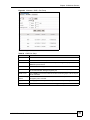
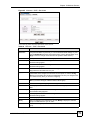
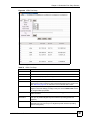
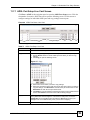
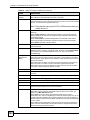
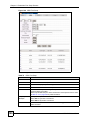
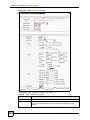
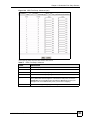
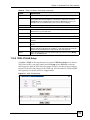
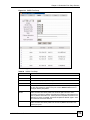
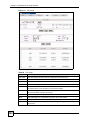
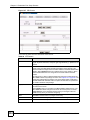
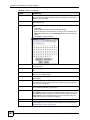
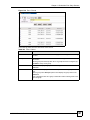
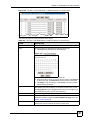
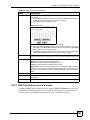
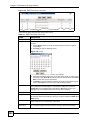
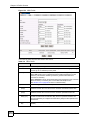
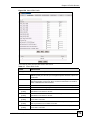
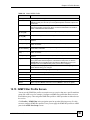
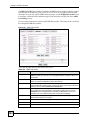
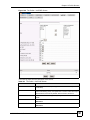
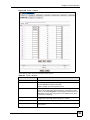
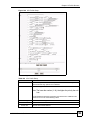
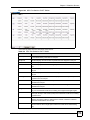
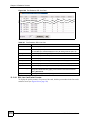
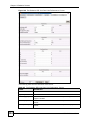
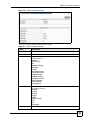
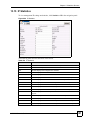
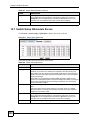
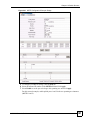
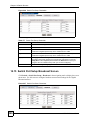
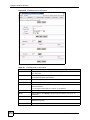
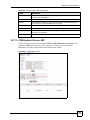
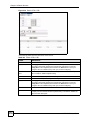
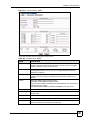
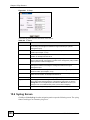
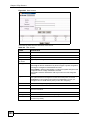
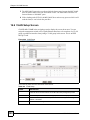
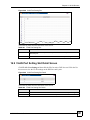
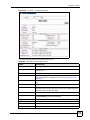
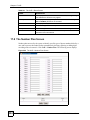
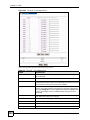
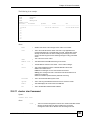
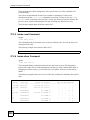
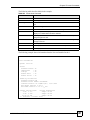
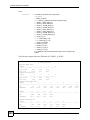
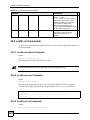
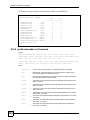
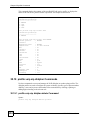
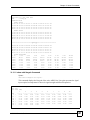
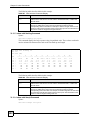
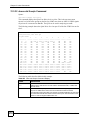
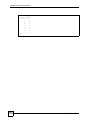
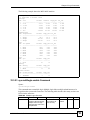
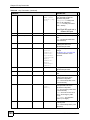
Figure 42 802.1X PNAC: Port Setup: Slot
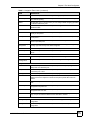
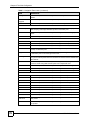
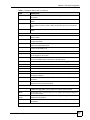
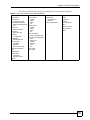
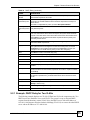
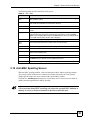
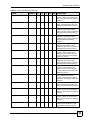
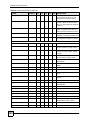
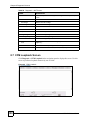
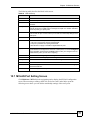
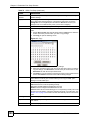
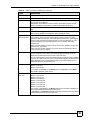
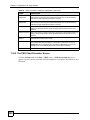
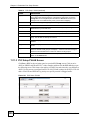
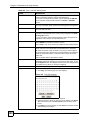
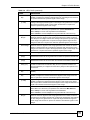
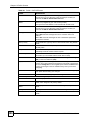
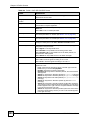
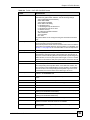
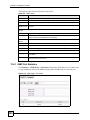
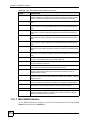
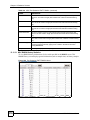
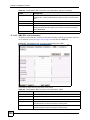
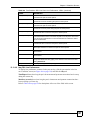
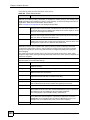
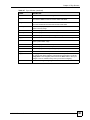
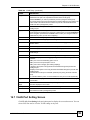
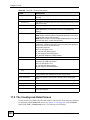
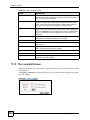
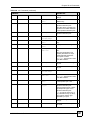
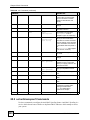
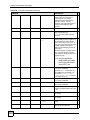
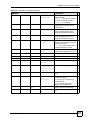
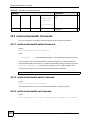
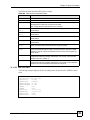
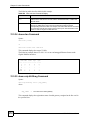
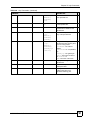
The following table describes the labels in this screen.
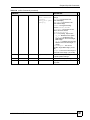
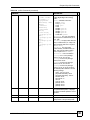
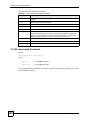
Table 28 802.1X PNAC: Port Setup: Slot
label
description
UP
Click UP to go back to the previous screen.
Copy
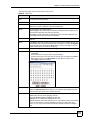
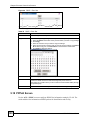
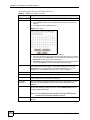
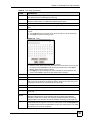
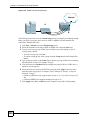
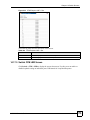
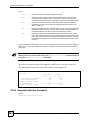
Do the following to copy settings from one port to another port or ports.
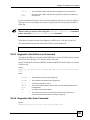
1. Select the Select radio button of the port from which you want to copy settings
2. Click Copy.
3. Select to which line card you want to copy the settings.
4. Select to which ports on the line card you want to copy the settings. Use Select
All to select every port. Use Select None to clear all of the check boxes.
5. Click Apply to paste the settings.
Port
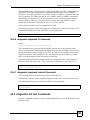
This field displays the number of the DSL port.
Enable
This field displays whether IEEE 802.1x is turned on or not (V for enabled, - for
disabled).
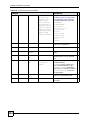
Control
This field displays the IEEE 802.1x port authentication option for a subscriber port.
Reauthentication
This field displays whether the IEEE 802.1x re-authentication option is turned on
or not (V for enabled, - for disabled).
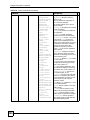
Reauthentication
Period (Sec)
This field displays the IEEE 802.1x re-authentication period.
Select
Select the radio button of the port from which you want to copy settings.
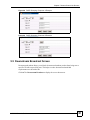
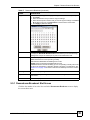
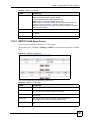
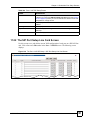
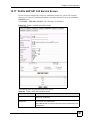
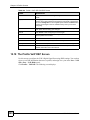
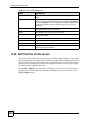
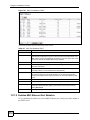
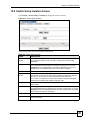
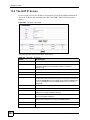
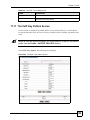
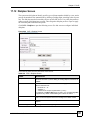
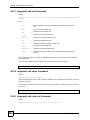
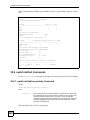
5.13 RADIUS Screen
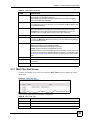
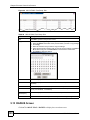
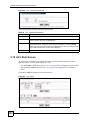
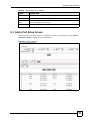
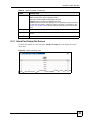
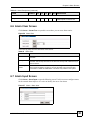
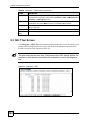
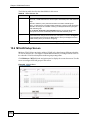
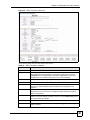
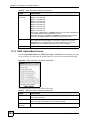
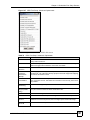
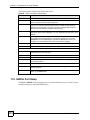
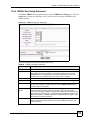
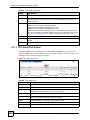
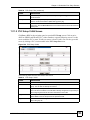
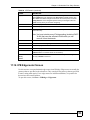
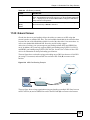
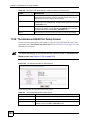
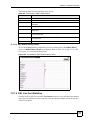
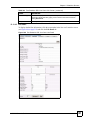
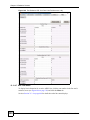
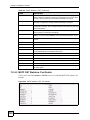
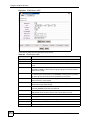
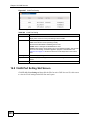
Click ACL > 802.1X PNAC > RADIUS to display the screen shown next.
120
MSC1000G User’s Guide