1
Chapter 11 Subscriber Port Setup Screens
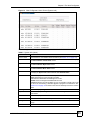
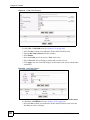
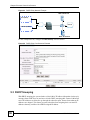
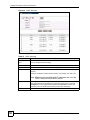
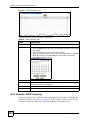
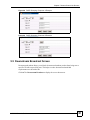
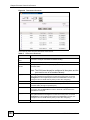
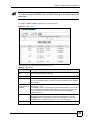
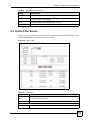
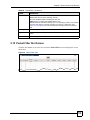
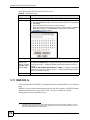
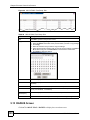
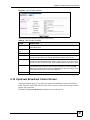
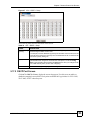
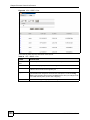
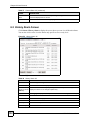
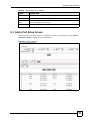
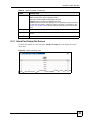
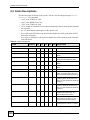
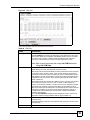
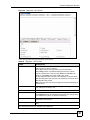
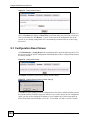
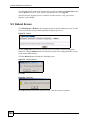
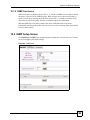
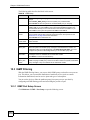
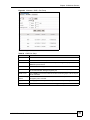
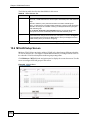
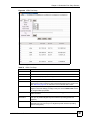
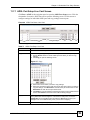
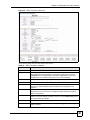
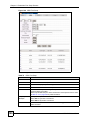
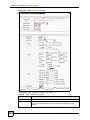
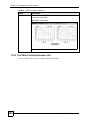
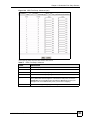
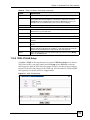
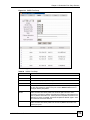
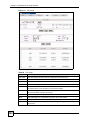
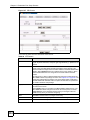
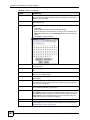
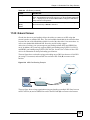
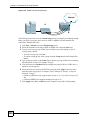
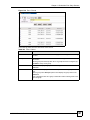
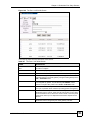
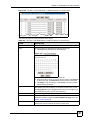
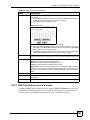
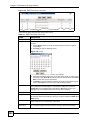
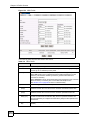
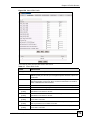
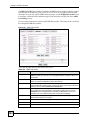
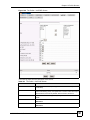
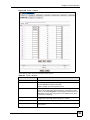
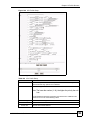
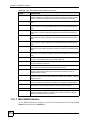
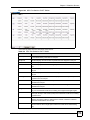
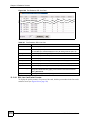
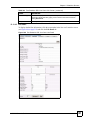
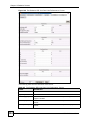
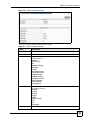
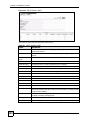
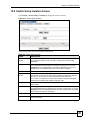
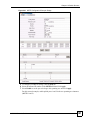
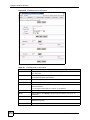
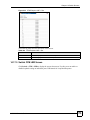
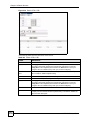
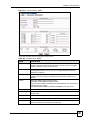
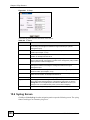
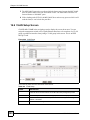
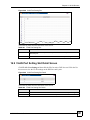
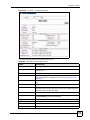
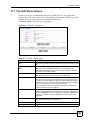
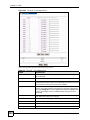
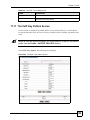
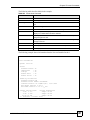
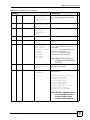
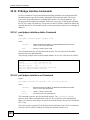
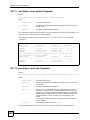
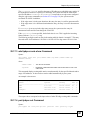
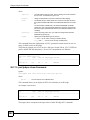
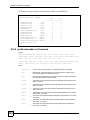
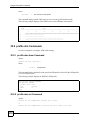
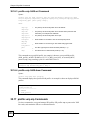
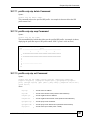
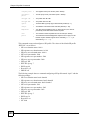
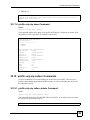
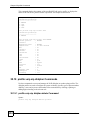
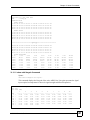
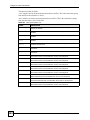
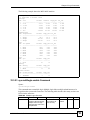
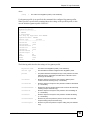
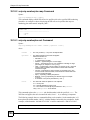
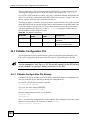
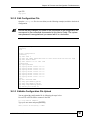
Figure 136 Port > G.bond
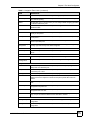
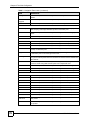
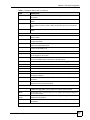
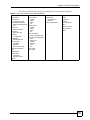
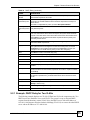
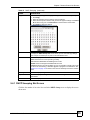
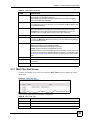
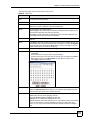
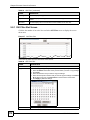
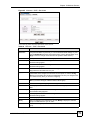
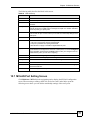
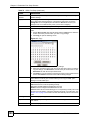
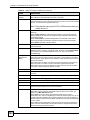
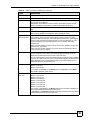
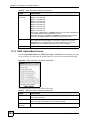
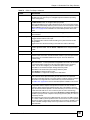
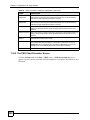
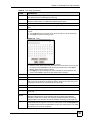
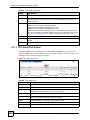
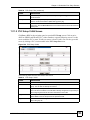
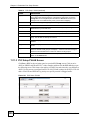
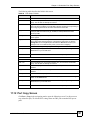
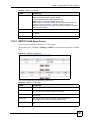
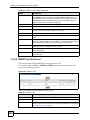
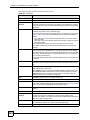
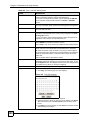
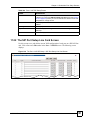
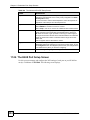
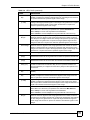
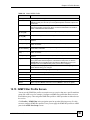
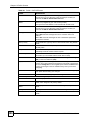
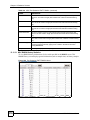
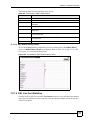
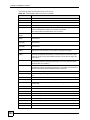
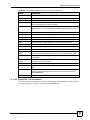
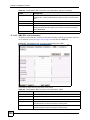
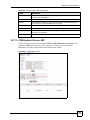
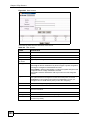
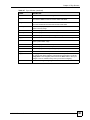
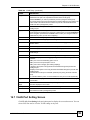
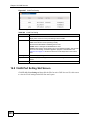
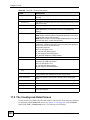
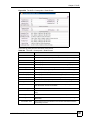
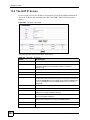
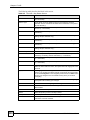
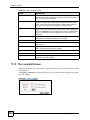
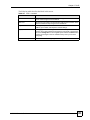
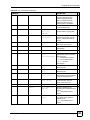
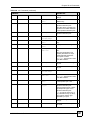
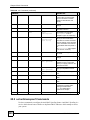
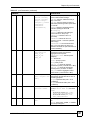
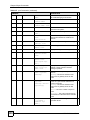
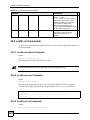
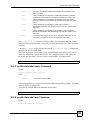
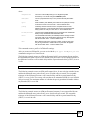
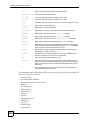
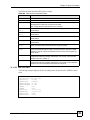
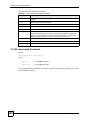
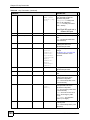
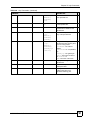
The following table describes the labels in this screen.
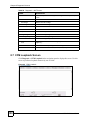
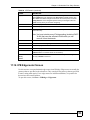
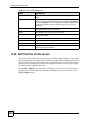
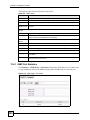
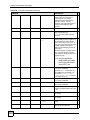
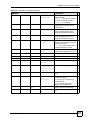
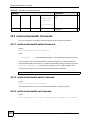
Table 103 Port > G.bond
LABEL
DESCRIPTION
Slot
Select the number of a line card’s slot to apply G.bond settings on traffic through
this card.
Group
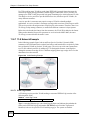
The group represents a bundle of DSL lines connecting the line card and CPE
DSL device.
Select a group from the drop-down list. If no groups have been configured yet,
click New to set up a new group.
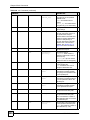
Load
Name
MSC1000G User’s Guide
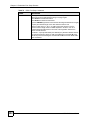
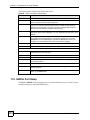
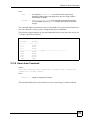
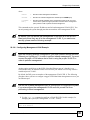
Click Load to display the group’s G.bond settings in the Name and Member
Port fields.
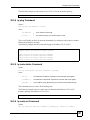
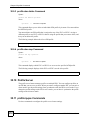
Use this screen to display, set or edit a descriptive name for a group of DSL
lines.
Select a group in the Group drop-down list to display the group name in the
Name field.
Type a descriptive name for a group in this field or edit an existing name to set
up a new group.
247