1
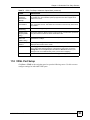
Chapter 11 Subscriber Port Setup Screens
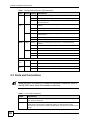
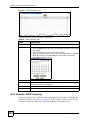
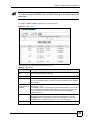
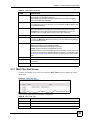
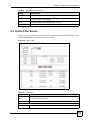
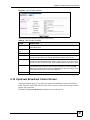
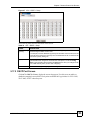
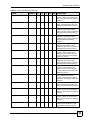
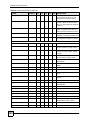
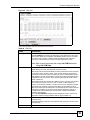
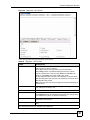
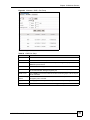
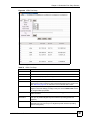
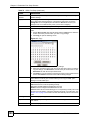
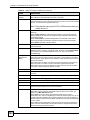
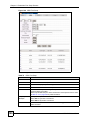
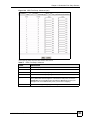
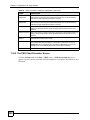
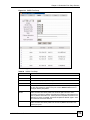
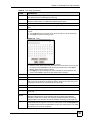
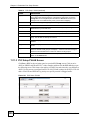
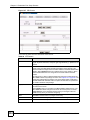
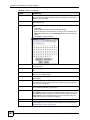
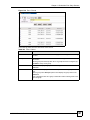
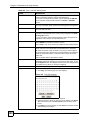
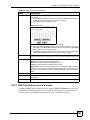
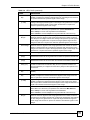
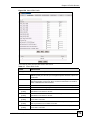
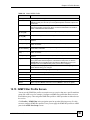
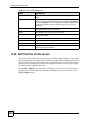
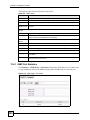
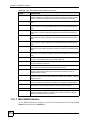
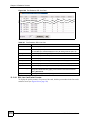
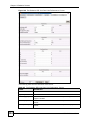
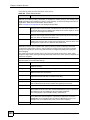
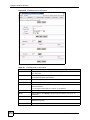
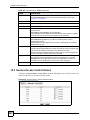
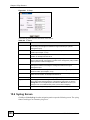
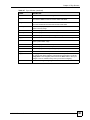
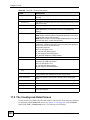
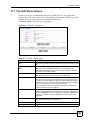
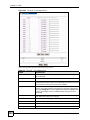
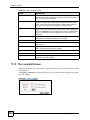
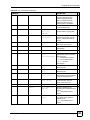
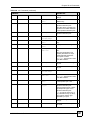
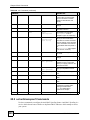
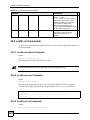
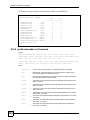
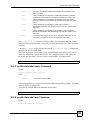
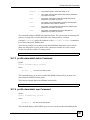
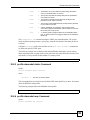
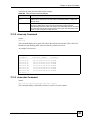
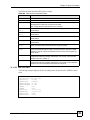
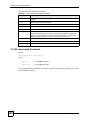
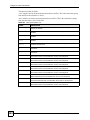
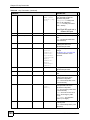
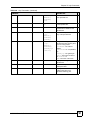
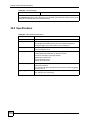
Table 71 ADSL Port Setup: Line Card (continued)
LABEL
DESCRIPTION
Port
These are the numbers of the DSL ports on the line card.
To configure advanced port settings, click a port number to display the ADSL Port
Setup screen.
Enable
Select a check box in this column to turn on a port. Select the check box at the top
of the column to turn on all of the line card’s ports.
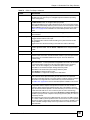
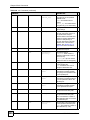
Customer
Information
Enter information to identify the subscriber connected to this ADSL port. You can
use up to 31 printable English keyboard characters (including spaces and
hyphens).
ADSL Profile
Select a profile of ADSL settings (such as the transfer rate, interleave delay and
signal to noise ratio settings) to assign to this port. Use the ADSL Profile screen
to configure ADSL port profiles.
Mode
Select the port’s ADSL operational mode. Select the mode that the subscriber’s
device uses or auto to have the system automatically determine the mode to use.
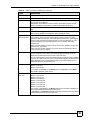
See Table 66 on page 181 for information on the individual ADSL modes.
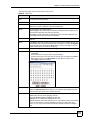
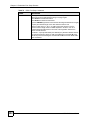
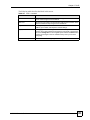
Select
Use the Select column to choose a DSL port from which you want to copy
settings.
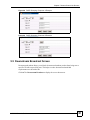
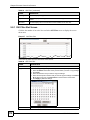
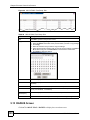
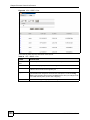
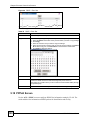
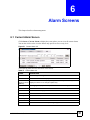
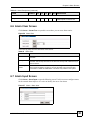
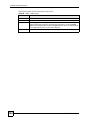
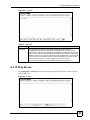
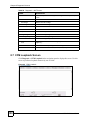
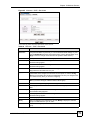
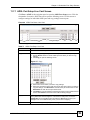
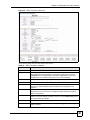
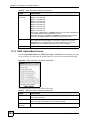
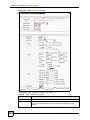
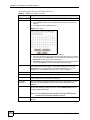
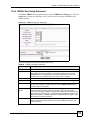
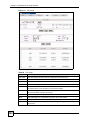
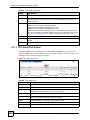
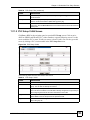
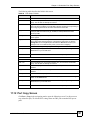
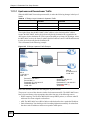
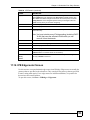
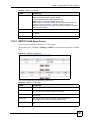
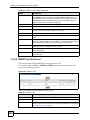
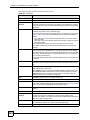
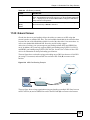
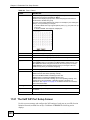
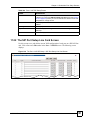
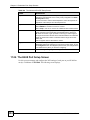
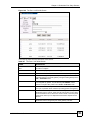
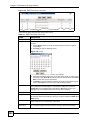
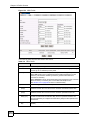
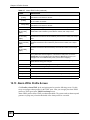
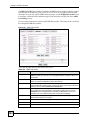
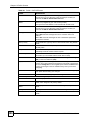
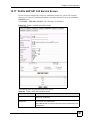
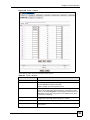
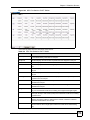
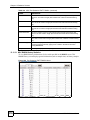
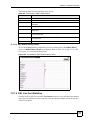
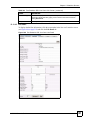
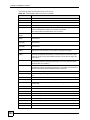
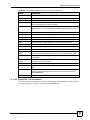
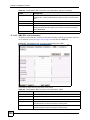
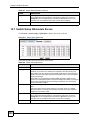
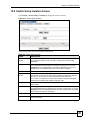
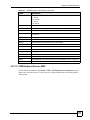
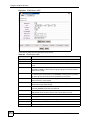
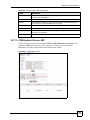
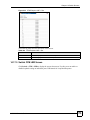
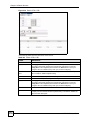
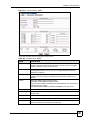
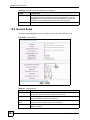
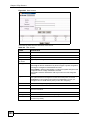
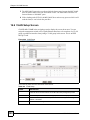
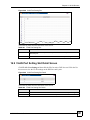
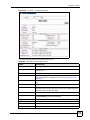
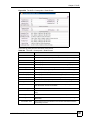
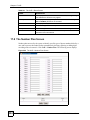
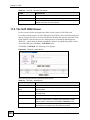
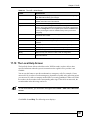
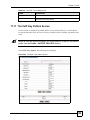
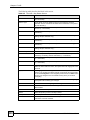
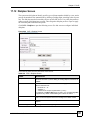
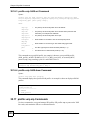
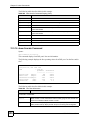
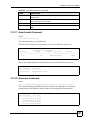
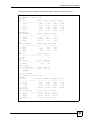
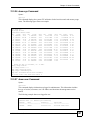
11.7.2 ADSL Port Setup Advanced
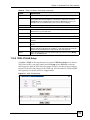
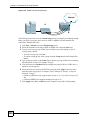
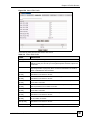
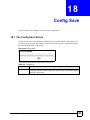
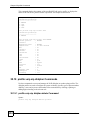
Click Port > ADSL in the navigation panel to open the ADSL Port Setup screen. Click the
slot number of an active ADSL line card and click a port number to display the configuration
screen. Use this screen to configure an ADSL port’s detailed settings.
190
MSC1000G User’s Guide