1
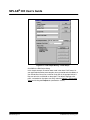
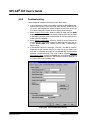
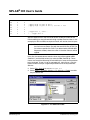
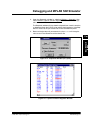
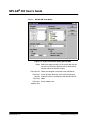
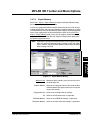
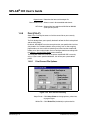
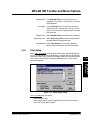
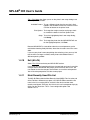
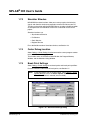
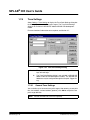
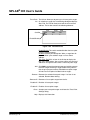
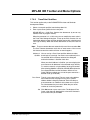
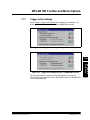
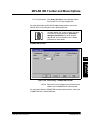
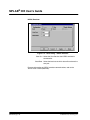
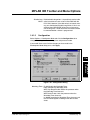
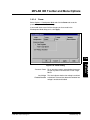
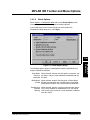
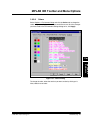
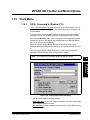
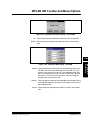
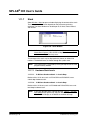
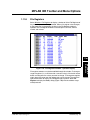
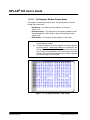
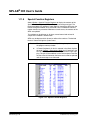
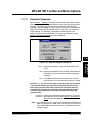
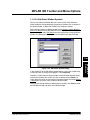
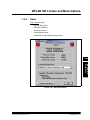
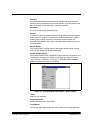
MPLAB IDE Toolbar and Menu Options Operational Notes • If execution doesn’t halt at the break point, select Options>Development Mode and click the Break Options tab. Make sure that Global Break Enable is selected (checkmarked). • When using MPLAB ICD, only one address can be set to a break point in the Break Point Settings dialog. • If a software break point is set, then checksums calculated on program memory at run time will be incorrect. Programmer checksums are not affected. • Manually resetting the timestamp when using software break points will cause the timestamp to be incorrect. 1.7.5.1 General Break Point Settings You can define up to 16 named break point ranges. After entering a break point title, start address, and end address (optional), click Add to accept the break point range definition. 1.7.5.2 Saving Break Point Settings Part Break points are saved as part of the project. Enter a unique title (up to 32 characters) for each break point range. MPLAB IDE accepts the underscore character but does not allow spaces. MPLAB IDE automatically enters a default, unique title if you choose not to enter a title. The break point range requires a title. Start, End Enter a Start and End address in HEX or as a label for the break point range. The address range is restricted to the valid address range of the target processor. You can enter the start address and MPLAB IDE will fill in the same end address for a break point on a single location (rather than a range). You can enter the Start and End values as addresses or labels. If you use labels, MPLAB IDE allows you to modify the labels by using offsets: “MAIN+2” or “EXECTIMR-10.” When you use labels and recompile a project (and the label moves due to the compilation) MPLAB IDE assigns the break points to the new address range. You can use an existing break point range item as the starting point for entering a new break point range. Click on a desired item in the list box. Type in a new title. Then click Add to accept the defined break point range. 2001 Microchip Technology Inc. DS51025E-page 135 MPLAB IDE Reference Title