1
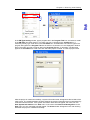
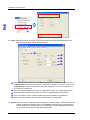
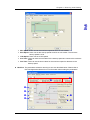
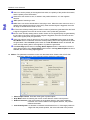
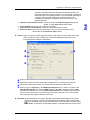
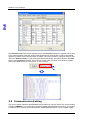
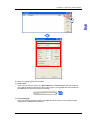
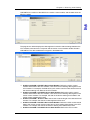
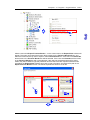
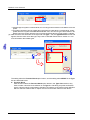
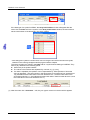
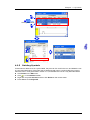
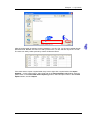
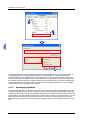
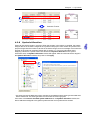
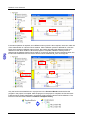
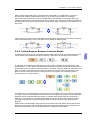
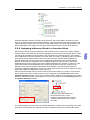
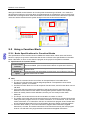
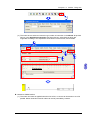
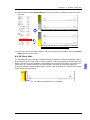
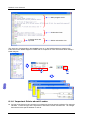
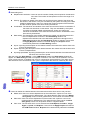
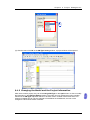
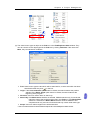
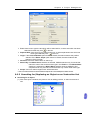
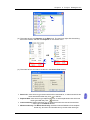
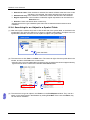
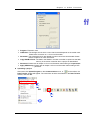
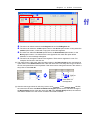
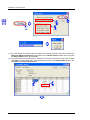
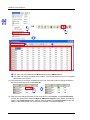
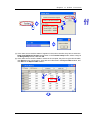
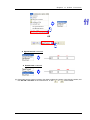
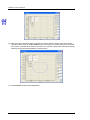
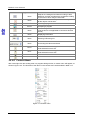
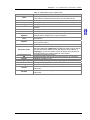
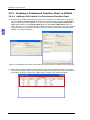
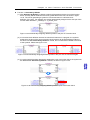
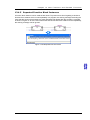
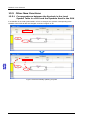
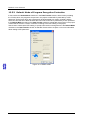
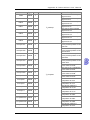
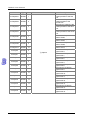
Ch ap te r 2 Star ting and Settin g position. If the target position is less than the present position, the motor will rotate in the negative position. An incremental coordinate is the distance from the present position. If an incremental coordinate is a positive, the motor will rotate in the positive direction. If an incremental coordinate is a negative, the motor will rotate in the negative direction. Selection of Acceleration Curve: Users can select the Trapezoid Type Curve option button, or the S Type Curve option button. Home Position: Users can set a machine zero point. Electrical Zero Point Address: Users can set an electrical zero point. Electronic Gear: Users can set a gear ration. They can type a numerator and a denominator in the Electronic Gear section. Others: Users can select a motion program number (Ox0~Ox99), set the output of M-codes, and the manual function. Please refer to DVP-PM Application Manual for more information about setting the parameters. Users can select a motion subroutine which can be triggered by an external signal. When a M-code is executed, the M-code is displayed in the corresponding Y device. If the motion subroutine is ready, the corresponding output device will be ON. Users can type a frequency in the MPG Input Response box, or select a number in the Input X Start Number box. After the ZRN checkbox, the JOG- checkbox, and the JOG+ checkbox are selected, and 0 in the Input X Start Number box is selected, the motor will return to zero if X0 is ON, the motor will jog in the positive direction if X1 is ON, and the motor will jog in the negative direction if X2 is ON. Show All: Motion parameters and system operation parameters are displayed on this page. Users can change the values of the parameters in the tables. After the users click for a parameter, they can see the description of the parameter. The parameters in the tables correspond to special data registers. The parameters are shown below. 2-19