1
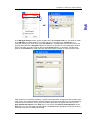
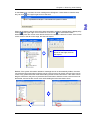
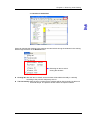
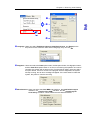
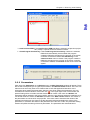
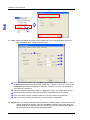
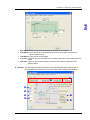
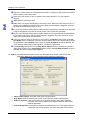
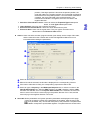
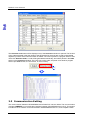
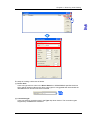
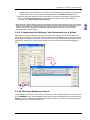
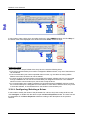
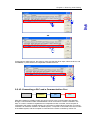
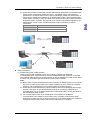
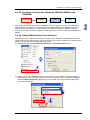
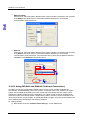
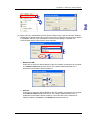
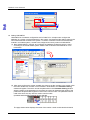
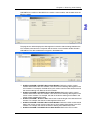
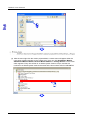
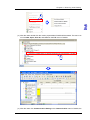
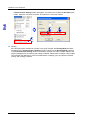
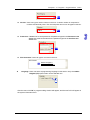
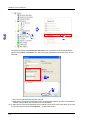
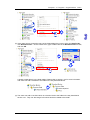
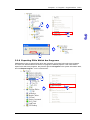
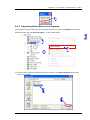
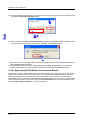
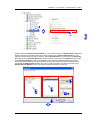
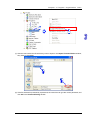
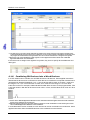
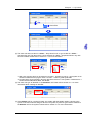
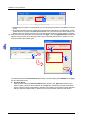
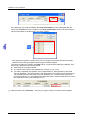
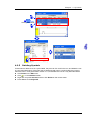
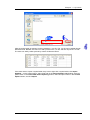
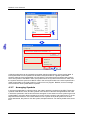
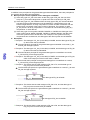
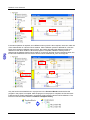
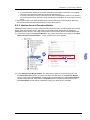
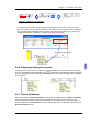
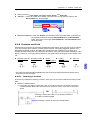
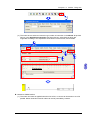
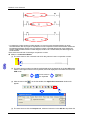
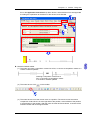
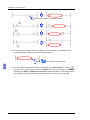
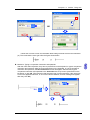
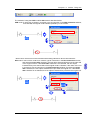
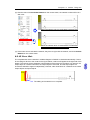
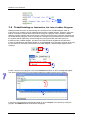
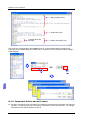
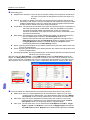
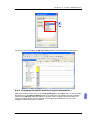
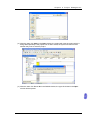
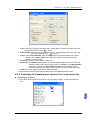
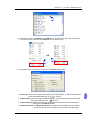
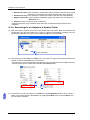
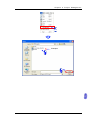
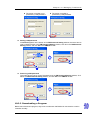
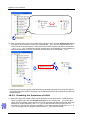
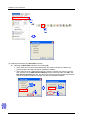
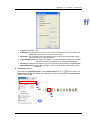
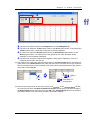
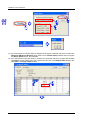
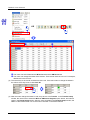
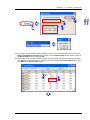
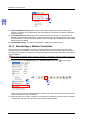
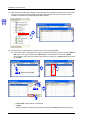
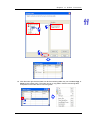
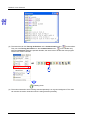
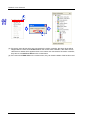
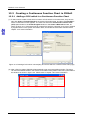
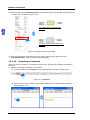
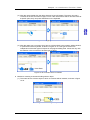
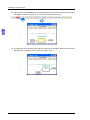
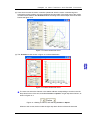
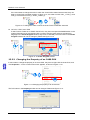
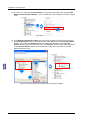
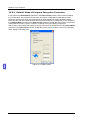
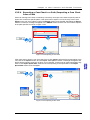
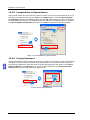
Ch ap te r 11 O nlin e F unc tio ns (4) If the users want to read the states of registers in the motion controller, they have to select the Read from PM Device Register option button in the Transfer Setup window, select a range in the Range Setup section, and click OK. (5) If the users want to save the states in a table in the computer, they have to right-click the table, click Export on the context menu, set a path and a file name in the Export Table window, and click Save in the Export Table window. 11 - 9