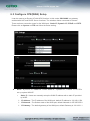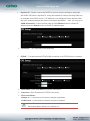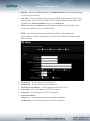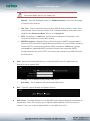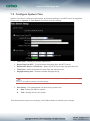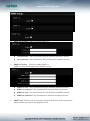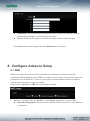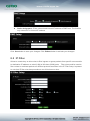
1
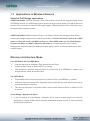
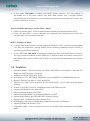
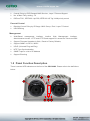
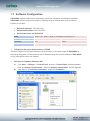
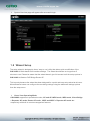
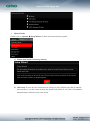
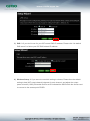
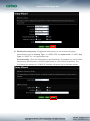
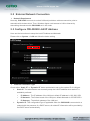
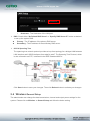
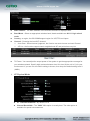
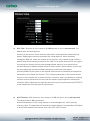
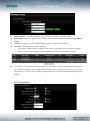
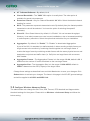
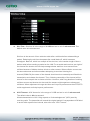
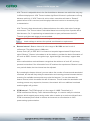
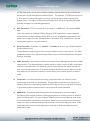
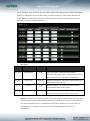
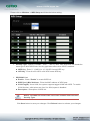
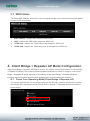
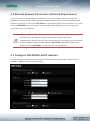
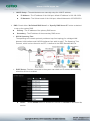
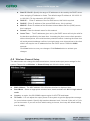
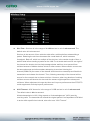
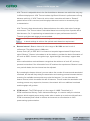
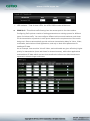
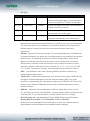
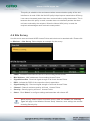
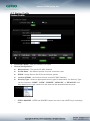
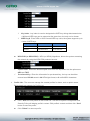
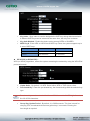
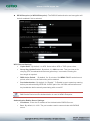
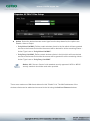
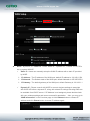
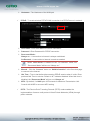
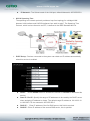
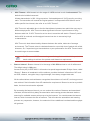
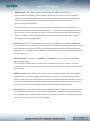
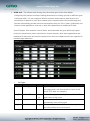
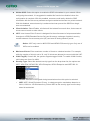
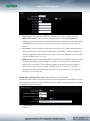
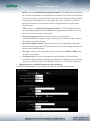
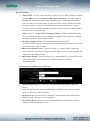
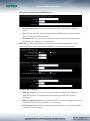
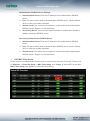
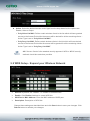
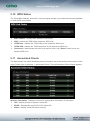
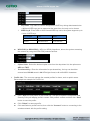
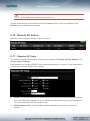
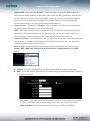
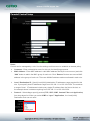
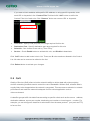
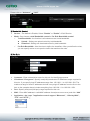
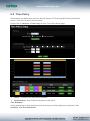
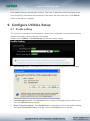
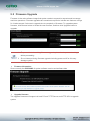
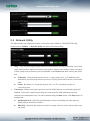
Wizard Guide Please click on System Setup Wizard Next and follow the below guide. 1) Follow And Guide Continuing Setting 2) LAN setup Here are the instructions for setup your OW-300N2 local LAN IP address and netmask. If you don’t want change the default OW-300N2 IP 192.168.2.254 address, please keep the default and go next setup.