1
MATERIAL PROPERTY
PART ON/OFF BY MATERIAL
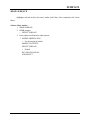
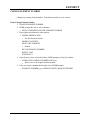
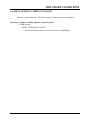
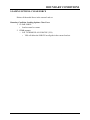
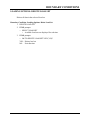
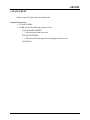
Turns on/off parts by selecting associated materials.
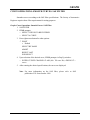
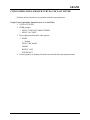
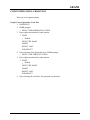
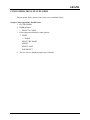
Material- Part On/Off By Material
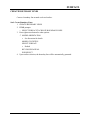
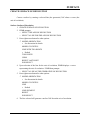
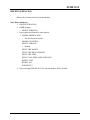
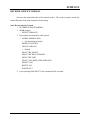
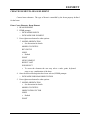
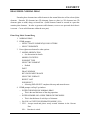
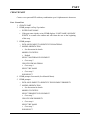
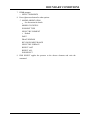
1. PART ON/OFF BY MATERIAL
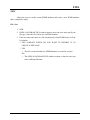
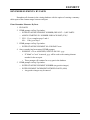
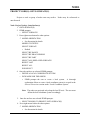
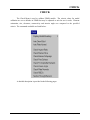
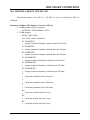
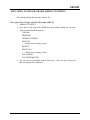
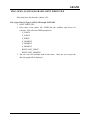
2. FEMB prompts the user to select a material:
> SELECT AN ELEMENT TO IDENTIFY THE MATERIAL
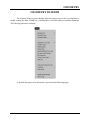
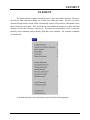
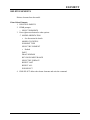
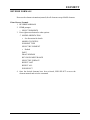
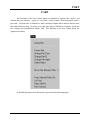
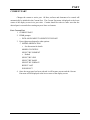
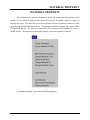
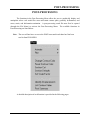
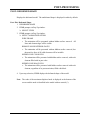
3. Press right mouse button for other options:
MODEL ORIENTATION
y See discussion for details.
MODEL STATISTICS
SELECT BY ELEMENT
y Default
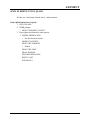
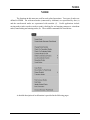
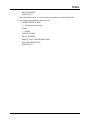
SELECT BY MATERIAL NAME
REJECT LAST
END SELECT
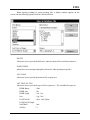
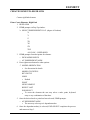
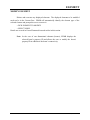
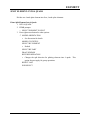
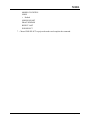
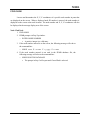
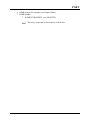
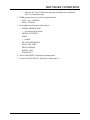
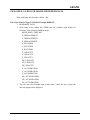
4. If the material is selected by an element, the parts associated with the material
will be turned off. If the Material Name option is selected, the material name
may be moved in or out of the displayed list to control the on/off of the
associated parts.
FEMB User’s Manual Version 26 NT
12.13 (MATERIAL PROPERTY)