1
IDS-2101F User’s Manual
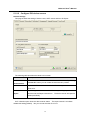
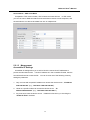
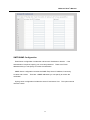
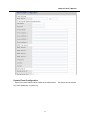
5.1.2.2 Configure IDS device servers
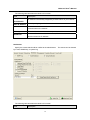
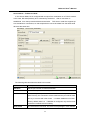
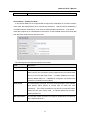
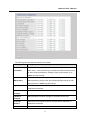
General settings
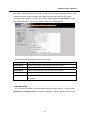
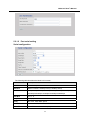
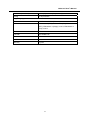
This page includes the setting of device name, SNTP server and Auto IP Report.
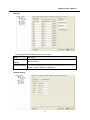
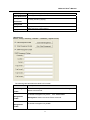
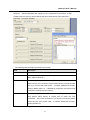
The following table describes the labels in this screen.
Label
Description
Device
You can set the device name or related information.
Name/location
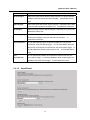
“Locate On” button you can locate the serial server’s position.
Set SNTP
Input the SNTP server domain name or IP address, port and select the
By clicking
Time zone.
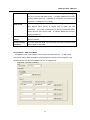
Set Auto IP
By Clicking the “Get current Host” button you will get your local IP,
Report
and then set the Report interval time.
The device server will report its
status periodically.
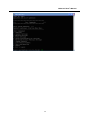
At IP collection option show the device server status. The report interval is 0 indicate
disable this setting (default). But you can set the other IP or Port.
14