1
IDS-2101F User’s Manual
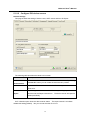
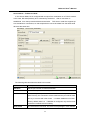
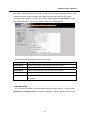
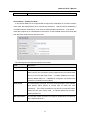
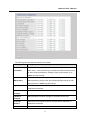
Your network administrator should provide you with the IP address and related settings. The
IP address must be unique and within the network (otherwise, DS will not have a valid
connection to the network). You can choose from three possible “IP configuration” modes:
Static, DHCP/BOOTP. The Factory Default IP address is “192.168.10.2”
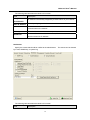
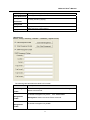
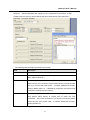
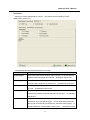
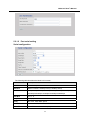
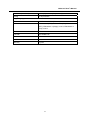
The following table describes the labels in this screen.
Label
Description
DHCP/BOOTP
Obtain the IP address automatically from DHCP server.
Static IP Address
Assigning an IP address manually.
Subnet Mask
Set the subnet mask to communicate on the network.
Gateway
Enter the IP address of the router in you network.
DNS Server
Enter the IP address of the DNS server to translate domain names into
IP address.
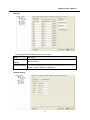
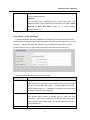
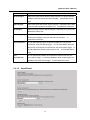
Authentication
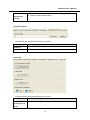
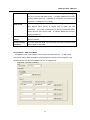
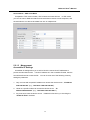
You can set the password to prevent unauthorized access from network. Input the “Old
password” and “New password” to change the password. Factory default is no password.
28