1
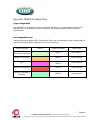
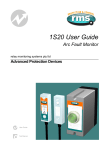
1S24 Arc Fault Monitor Configuration
Web Browser Session
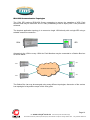
Configuration of a 1S24 can be undertaken either via direct connection to a PC or via a Lan.
If a direct connection to a PC is utilitised a crossover patch lead will be required to enable
communication with the 1S24.
Whether the communication is direct or via a Lan, both the PC and the 1S24 need to have IP
addressing within the same network.
With a subnet mask of 255.255.255.0 the first 3 octets of the IP address need to be the same for
the PC and the 1S24 and the last octet needs to be unique, for example :
1S24 IP Address : 192.168.0.221
PC IP Address : 192.168.0.238
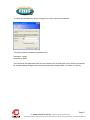
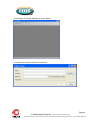
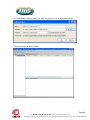
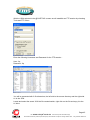
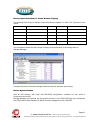
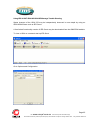
In the above example entering the 1S24 IP Address (192.168.0.221) into the PC web browser
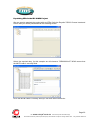
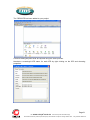
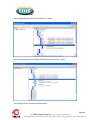
address field will establish a web browser session displaying the Relay Build Information and a
menu tree to navigate to the other configuration screens.
Page 16
Visit
www.rmspl.com.au
for the latest product information.Page
Due to RMS continuous product improvement policy this information is subject to change without notice. 1S24_Guide/Iss B/23/07/12