1
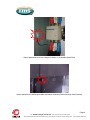
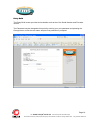
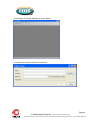
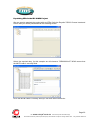
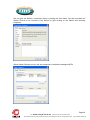
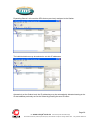
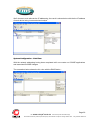
Once copied, ensure that any existing 1S24.cid file in the A:/ drive is renamed or deleted (right
click on the file for renaming deletion options).
Then select the copied file in the A:/ drive, right click and ensure it is renamed as 1S24.cid.
Rebooting The 1S24 With The New 1S24.cid File
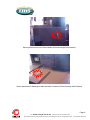
A reboot of the 1S24 is required once the new 1S24.cid file has been loaded.
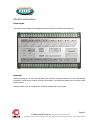
The reboot can be done either via powering down and repowering the device or by pressing and
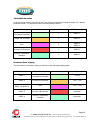
holding the Flag Reset button for about 5 sec until all the LEDs start flashing, refer to Reboot
under Monitor Indications.
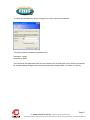
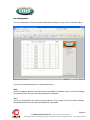
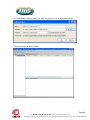
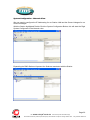
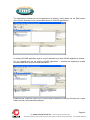
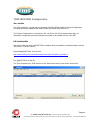
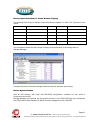
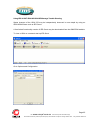
Alternatively you can set up a terminal session to reboot the 1S24 using @CHIPTOOL.
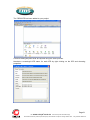
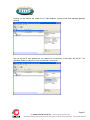
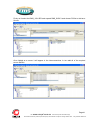
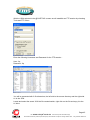
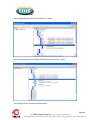
Using @CHIPTOOL select the 1S24 and choose Tools and Terminal.
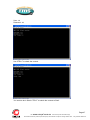
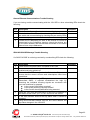
Enter the following Username and Password for the terminal session :
Page 46
Visit
www.rmspl.com.au
for the latest product information.Page
Due to RMS continuous product improvement policy this information is subject to change without notice. 1S24_Guide/Iss B/23/07/12