1
3.3.6. DELETE A CONTACT
Contacts can be deleted from the Contacts list. If a contact is deleted that was added from the Directory, they will
still be listed in the Directory.
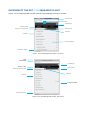
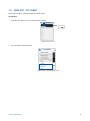
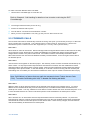
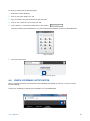
1. Select Contacts
2. Search for the contact
3. Click on the contact to expand the Communicate bar
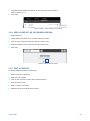
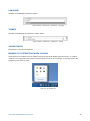
4. Click the Options icon
5. Select Remove Contact
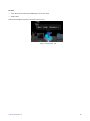
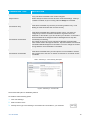
Figure 21: Delete Contact
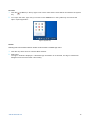
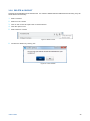
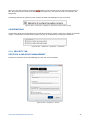
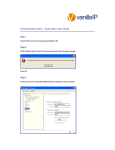
6. Confirm the deletion by clicking Yes
Figure 22: Confirm Deletion
DIRECTORIES
28