1
LOG IN
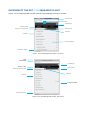
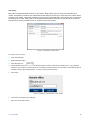
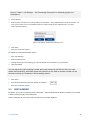
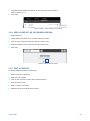
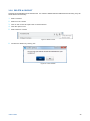
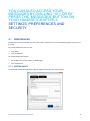
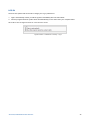
There are two options that can be set to change your Log in preferences
1.
Sign in automatically means you will be signed in immediately when the client starts.
2.
Run this program when the system starts will automatically run the client when your computer starts.
Click OK to save changes and exit or click Cancel to close.
Figure 34: Menu – Preferences – Security – Log in
SETTINGS, PREFERENCES AND SECURITY
36