1
62
InTouch User Guide
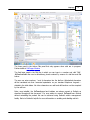
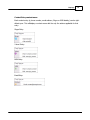
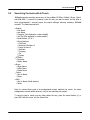
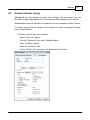
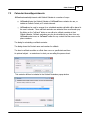
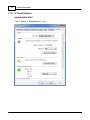
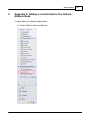
2) Right click and select Properties
Or
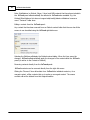
Click on the folder then navigate to the File menu and select Folder->Properties for
<folder name>
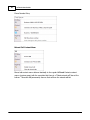
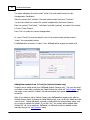
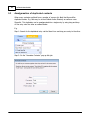
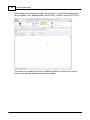
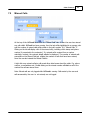
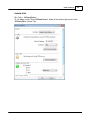
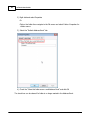
3) Select the “Outlook Address Book” tab
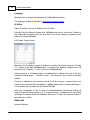
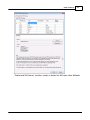
4) Check the “Show this folder as an e-mail Address Book” and click OK
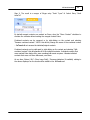
The check-box can be cleared if a folder is no longer wanted in the Address Book.
© 2011 AdvaTel Pty. Ltd.