1
4
2
InTouch User Guide
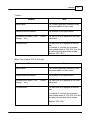
Minimum Requirements
Operating system:
•
Windows XP Professional SP3
•
Windows Vista SP2 Business, Ultimate or Enterprise (32 OR 64 bit)
•
Windows 7 Professional, Ultimate or Enterprise (32 OR 64 bit)
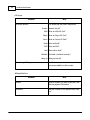
.Net framework:
Framework 3.5 Service Pack 1 – available from the Microsoft website
Microsoft Outlook: (32 bit only)
2003
2007
2010
Microsoft Exchange:
•
2003
•
2007
•
2010
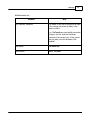
Skype (optional):
•
3.8.0.188 or later
Windows Live Messenger (optional):
•
14.0 or later
Yahoo! (optional):
•
10.0 or later
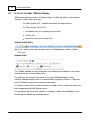
Avaya IP Office:
•
Release 6.0 or later
NOTE: In order for the InTouch client to work with TAPI correctly, the InTouch
client must always be associated to a registered and active phone
© 2011 AdvaTel Pty. Ltd.