1
Chapter 3: Using Hardware Co-Simulation
9.
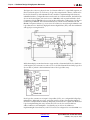
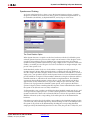
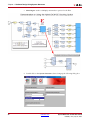
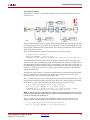
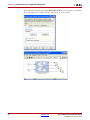
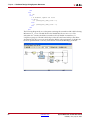
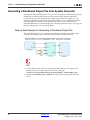
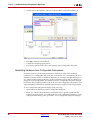
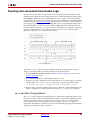
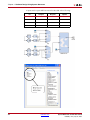
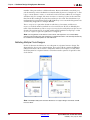
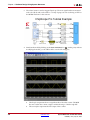
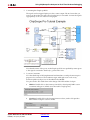
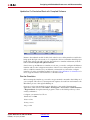
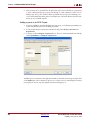
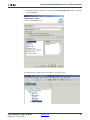
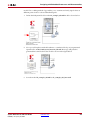
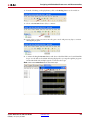
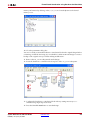
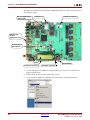
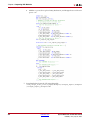
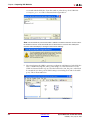
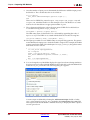
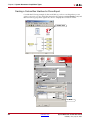
Add the hardware co-simulation block to the testbench model in place of the turquoise
placeholder residing in the FPGA Processing subsystem.
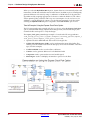
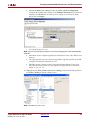
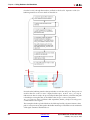
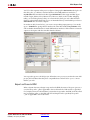
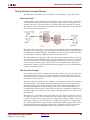
The Shared Memory Write block in the testbench is pre-configured with a priority of 1, and
the Shared Memory Read block is pre-configured with a priority of 3. Since you want the
hardware co-simulation block to wake up second in the simulation sequence, you must set
the hardware co-simulation block priority to 2.
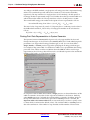
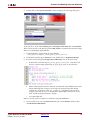
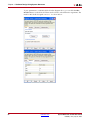
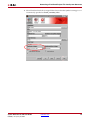
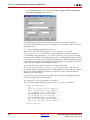
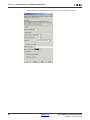
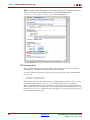
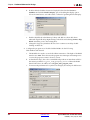
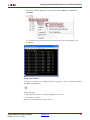
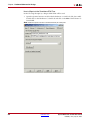
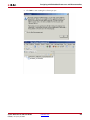
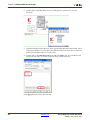
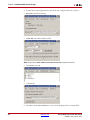
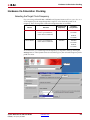
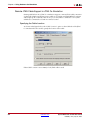
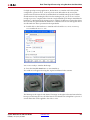
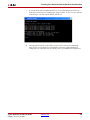
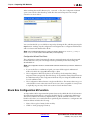
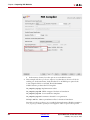
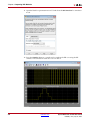
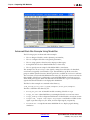
10. Right-click on the hardware co-simulation block, and select Block Properties.
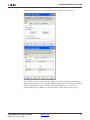
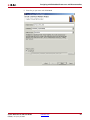
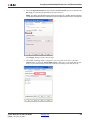
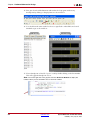
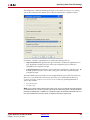
11. Specify a Priority of 2 in the Block Properties dialog box.
288
www.xilinx.com
System Generator for DSP User Guide
UG640 (v 14.2) July 25, 2012