1
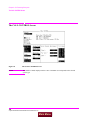
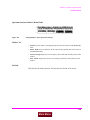
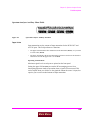
Chapter 21, Spectrum Analyzer Screen
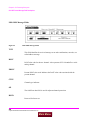
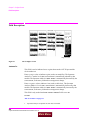
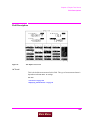
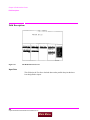
Field Descriptions
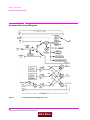
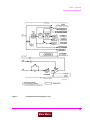
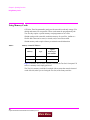
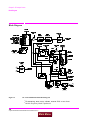
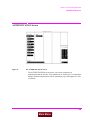
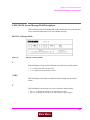
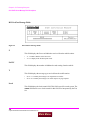
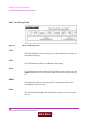
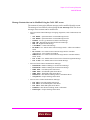
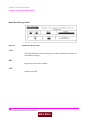
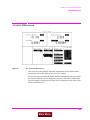
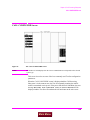
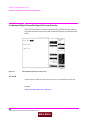
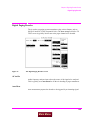
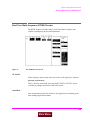
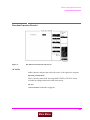
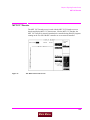
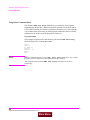
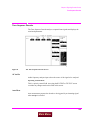
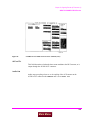
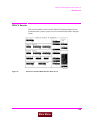
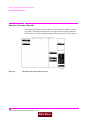
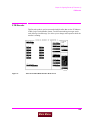
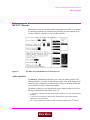
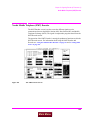
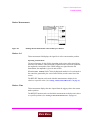
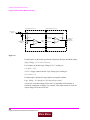
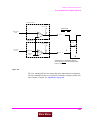
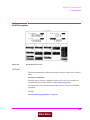
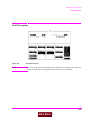
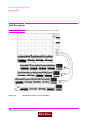
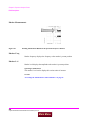
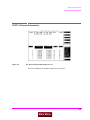
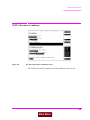
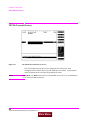
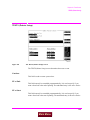
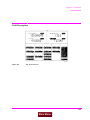
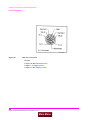
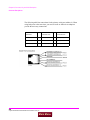
Marker Measurements
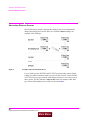
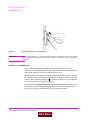
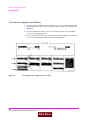
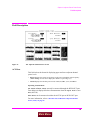
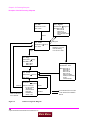
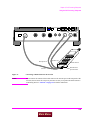
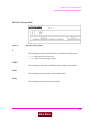
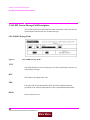
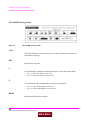
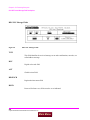
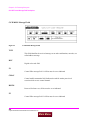
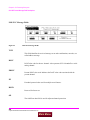
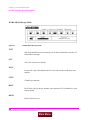
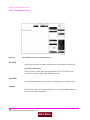
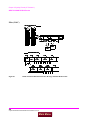
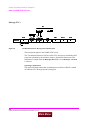
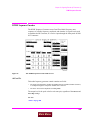
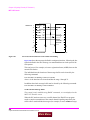
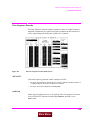
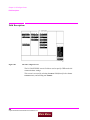
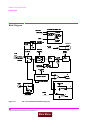
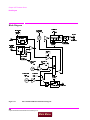
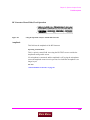
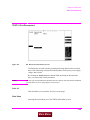
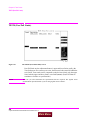
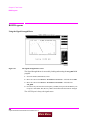
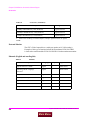
sascrn1.wmf
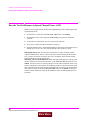
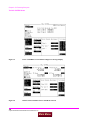
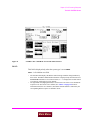
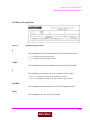
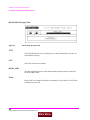
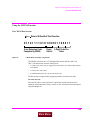
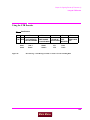
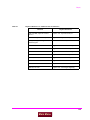
Figure 130
Reading Measurement Results at the Spectrum Analyzer’s Markers
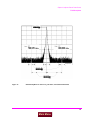
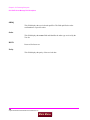
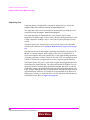
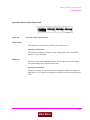
Marker: Freq
Marker frequency displays the frequency at the marker’s present position.
Marker: Lvl
Marker level displays the amplitude at the marker’s present position.
Operating Considerations
The marker’s level can be displayed in various units of measure.
See Also
“To Change the Measurement’s Unit-of-Measure” on page 64
524
S:\agilent\8920\8920b\USRGUIDE\BOOK\CHAPTERS\specscrn.fb
Main Menu