1
Chapter 6, Call Processing Subsystem
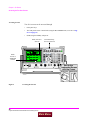
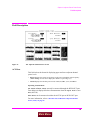
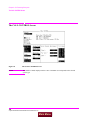
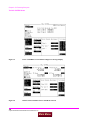
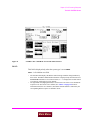
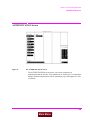
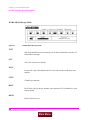
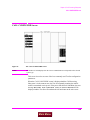
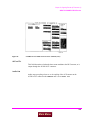
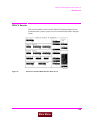
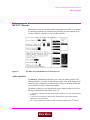
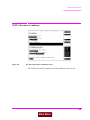
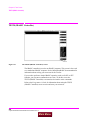
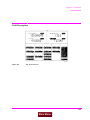
The CALL CONTROL Screen
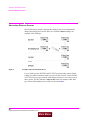
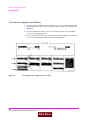
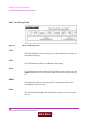
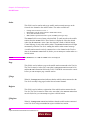
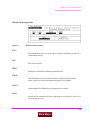
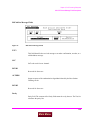
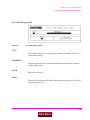
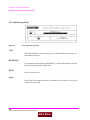
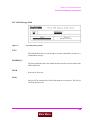
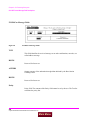
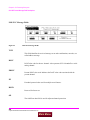
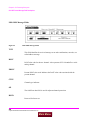
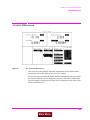
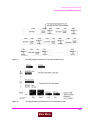
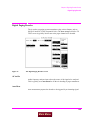
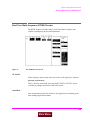
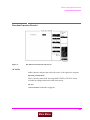
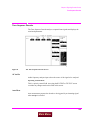
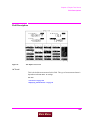
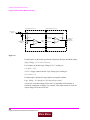
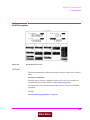
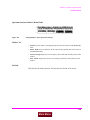
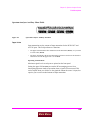
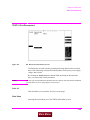
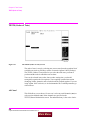
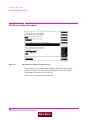
MS Id
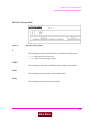
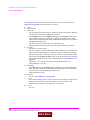
This field is used to enter the identification number of the mobile station. The
MS Id has two fields. The upper field is a one-of-many selection field and is used
to select the format for entering the identification number. The lower field is a
numeric entry field and is used to enter the identification number in the format
selected using the upper field. The contents of the lower field are automatically
updated upon successful completion of a mobile station registration.
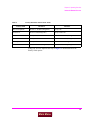
There are two formats which can be used to enter the identification number. The
identification number can be entered as either the 10-digit phone number in
decimal (for example, 5095551212) or as the mobile identification number (MIN)
in hexadecimal (for example, AAABBBBBB). The first 3 characters (AAA) in the
field represent MIN2 and the last 6 characters (BBBBBB) represent MIN1.
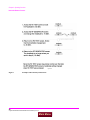
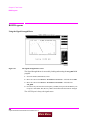
To enter the identification number, select upper field and select the desired format
(Phone Num or MIN2 MIN1). Then select the lower field and enter the
information in the selected format. If the desired format is already selected then
simply select the lower field and enter the information in the selected format. The
formats are coupled, that is, if the Phone Num format is selected and the 10-digit
phone number is entered, the MIN2 MIN1 information is automatically updated,
and vice versa.
NOTE:
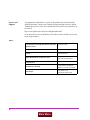
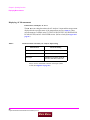
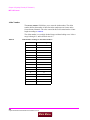
The preset values for the MS Id fields are:
• Phone Num = 1111111111
• MIN2 MIN1 = 000000400
An all zero MIN number (000000000), which does not represent a valid phone
number, will be converted to the following phone number: 111111?111.
136
S:\agilent\8920\8920b\USRGUIDE\BOOK\CHAPTERS\callscrn.fb
Main Menu