1
Gene Expression
Software Administration
7.2
Software Administration
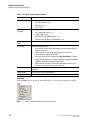
Prior to the initial use of this controller, eXpress Profiler user accounts must be configured on
the controller by the Administrator. The eXpress Profiler Administrator has access to some
administration tools that are not available to the eXpress Profiler users, such as establishing
user accounts, importing multiplex data, managing genes and making primers globally
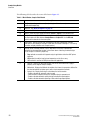
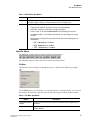
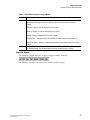
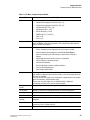
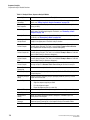
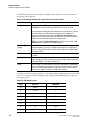
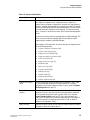
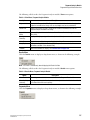
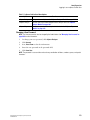
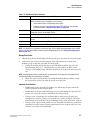
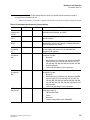
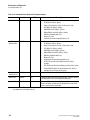
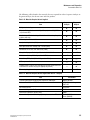
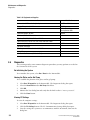
available. See Table 7.1 on page 268 for more information.
IMPORTANT The Administrator does not have the ability to design or modify the multiplex, as an eXpress
Profiler user does.
1.
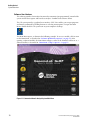
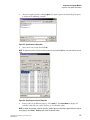
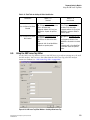
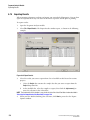
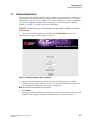
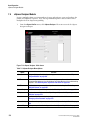
To access these administration tools, double-click the GeXP Launch desktop icon.
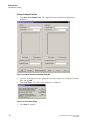
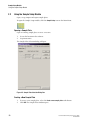
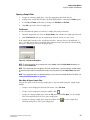
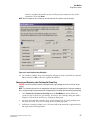
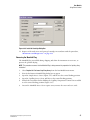
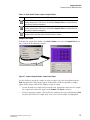
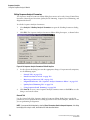
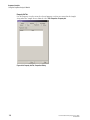
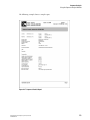
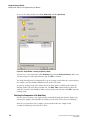
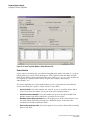
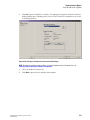
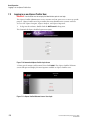
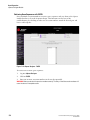
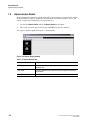
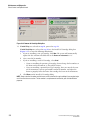
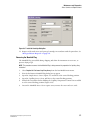
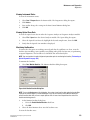
The GenomeLab eXpress Profiler login screen opens.
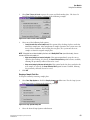
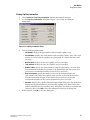
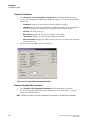
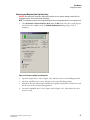
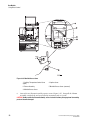
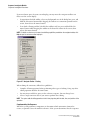
Figure 7.1 GenomeLab eXpress Profiler Login Screen
2.
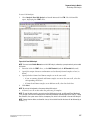
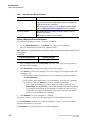
Log in as the Administrator by entering the username and password. The default
username and password is administrator. To change the Administrator password,
see "Changing the Administrator Password" on page 271.
NOTE All usernames and passwords are case sensitive.
3.
Click Submit.
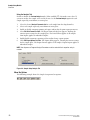
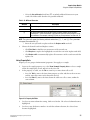
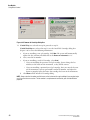
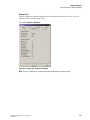
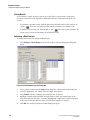
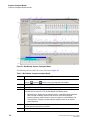
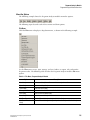
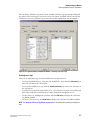
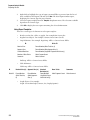
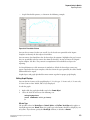
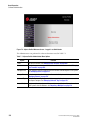
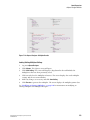
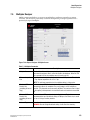
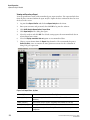
The eXpress Profiler Welcome screen will open. A menu on the left side of the screen will
display the menu options available to the Administrator, as shown in Figure 7.2.
GenomeLab Genetic Analysis System User’s Guide
PN A29142-AB
267