1
Sequence Analysis
Using the Sequence Analysis Module
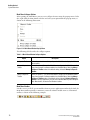
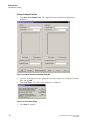
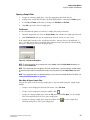
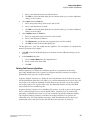
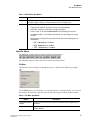
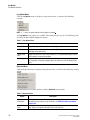
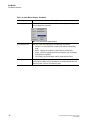
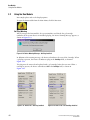
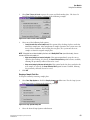
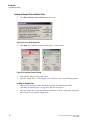
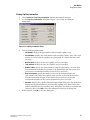
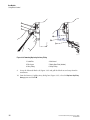
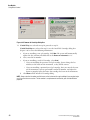
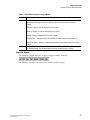
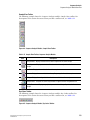
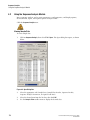
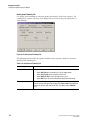
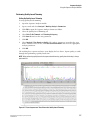
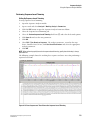
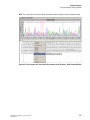
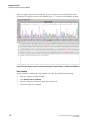
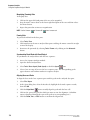
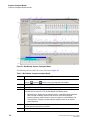
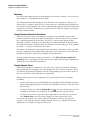
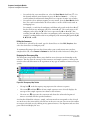
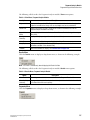
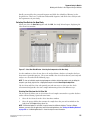
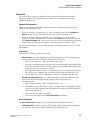
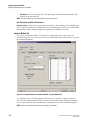
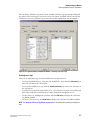
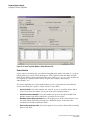
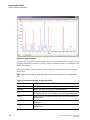
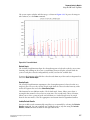
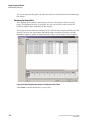
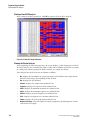
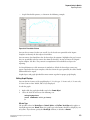
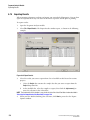
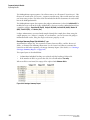
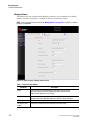
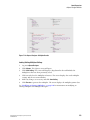
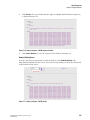
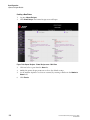
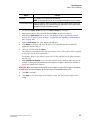
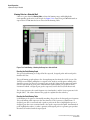
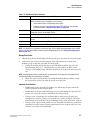
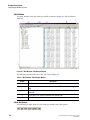
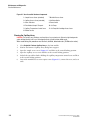
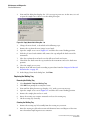
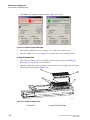
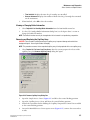
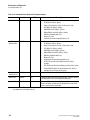
After you apply sequence-based trimming, the system replaces the internal matches in the
resulting base sequence and trace view with the letter “x”, as shown in the following example.
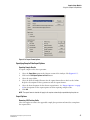
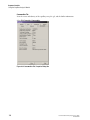
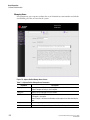
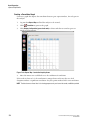
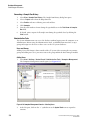
Figure 4.22 Base Sequence and Trace Views after Sequence-based Trimming – Enable Internal Matches
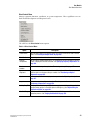
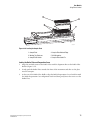
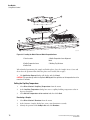
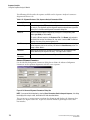
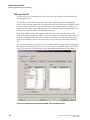
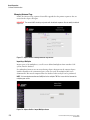
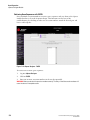
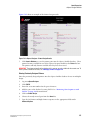
Batch Trimming
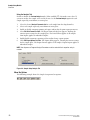
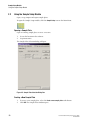
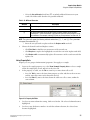
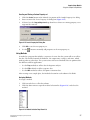
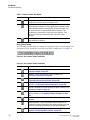
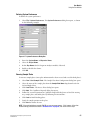
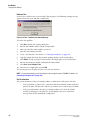
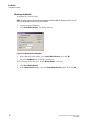
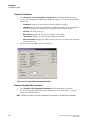
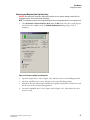
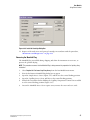
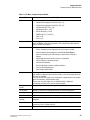
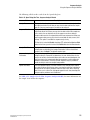
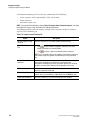
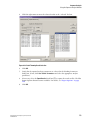
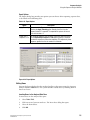
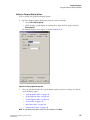
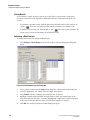
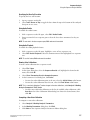
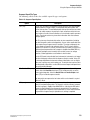
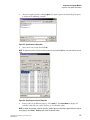
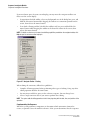
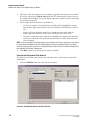
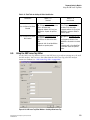
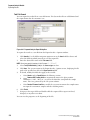
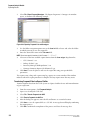
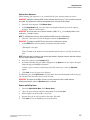
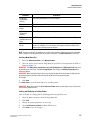
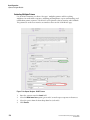
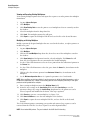
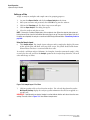
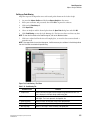
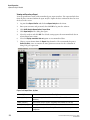
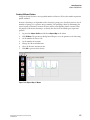
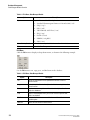
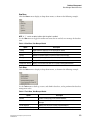
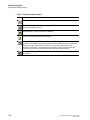
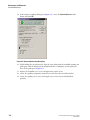
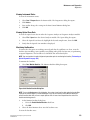
Enable automatic trimming of a large number of results. To perform batch trimming:
132
1.
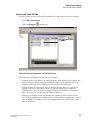
Open the Sequence Analysis module.
2.
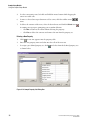
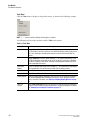
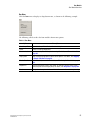
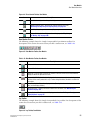
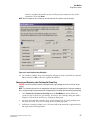
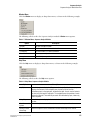
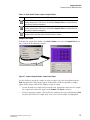
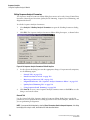
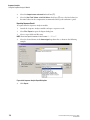
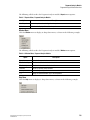
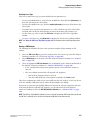
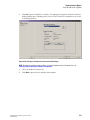
Select Analysis | Batch Trimming .
3.
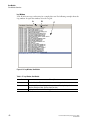
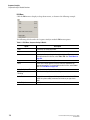
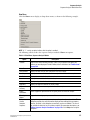
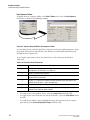
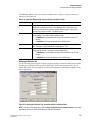
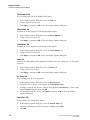
Select the Sequence Results or Sample Plate Results tab.
4.
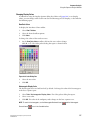
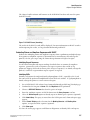
Select the results to be trimmed.
GenomeLab Genetic Analysis System User’s Guide
PN A29142-AB