1
Fragment Analysis Module
Exporting Results
5.
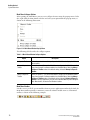
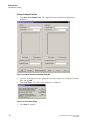
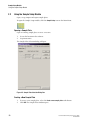
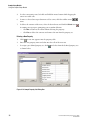
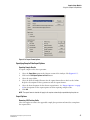
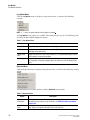
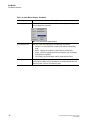
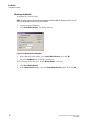
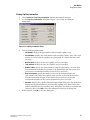
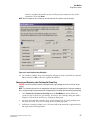
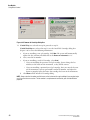
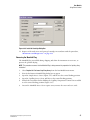
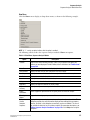
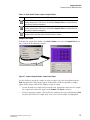
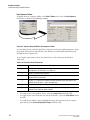
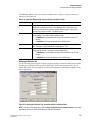
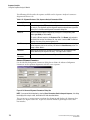
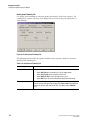
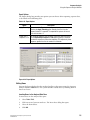
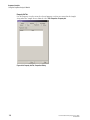
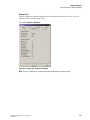
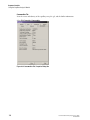
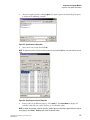
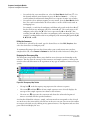
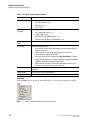
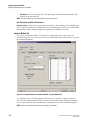
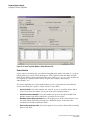
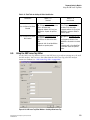
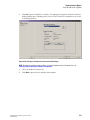
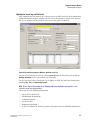
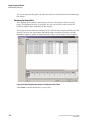
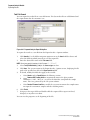
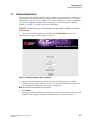
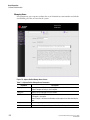
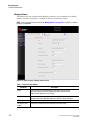
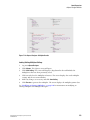
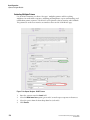
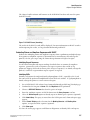
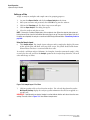
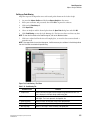
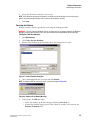
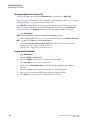
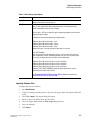
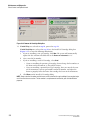
Define the export parameters and options, including the file name and location, using
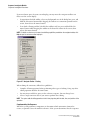
the Export Options window, as shown in the following example.
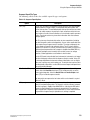
Figure 6.40 Export Options
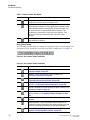
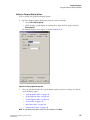
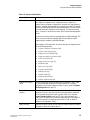
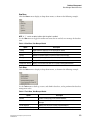
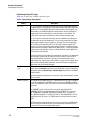
The Export Results - Options window provides the following fields and options:
r
Export result as: Displays the selected export file, including its file path, file name,
and extension (which identifies the file format). This is a read-only field.
To change this selection, click Save As and enter the required details to save the file
using the application’s format extension. For details, see "Text File Format" on
page 258 or "CEQ File Format" on page 259.
r
Header: Select this option to include general information regarding the sample and
run conditions with the exported results.
r
Raw Data: Select this option to include raw data with the exported results.
r
Result Data: Select this option to include dye traces and data points with the
exported results.
r
Result Output: Select this option to include a fragment list with the exported results.
r
Remove CEQ Tracking Suffix: Select this option to remove the sample plate and date
from the exported file name.
r
Resolve Filename Conflicts: Select this option to automatically append a unique
sequence number to exported files of the same name.
6.
Click Finish to complete the export application.
GenomeLab Genetic Analysis System User’s Guide
PN A29142-AB
257