1
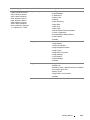
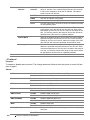
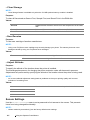
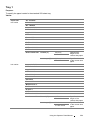
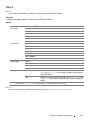
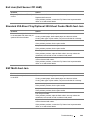
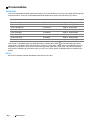
Paper Type
Plain*
Light Card
Heavy Card
Envelope
Labels
Letterhead
LW Gloss Card
HW Gloss Card
Hole Punched
Colored
Special
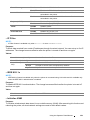
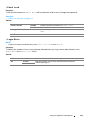
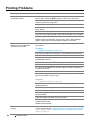
Display Screen
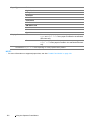
*1
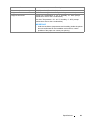
Off
Does not display a popup menu that prompts to set Paper
Type and Paper Size when paper is loaded in the standard
250-sheet tray.
On*
Displays a popup menu that prompts to set Paper Type and
Paper Size when paper is loaded in the standard 250-sheet
tray.
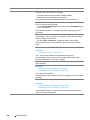
The default for Paper Size varies depending on country-specific factory default.
NOTE:
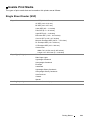
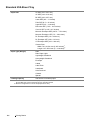
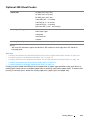
• For more information on supported paper sizes, see also "Usable Print Media" on page 100.
171
Using the Operator Panel Menus