1
Subject blocks
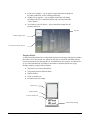
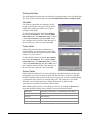
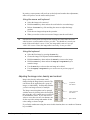
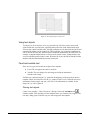
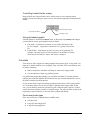
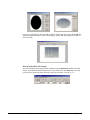
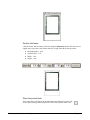
Subject blocks define how the portraits will appear on the page. They are constructed in
the same way as the Page Layout templates. They also contain the font formatting for the
Unfeatured list, ensuring that the font styles match.
Subject block components
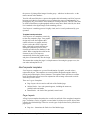
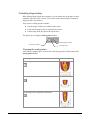
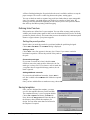
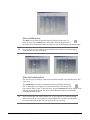
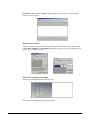
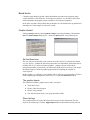
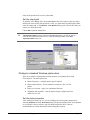
Subject blocks can contain a number of objects, including graphics, text, masks etc. You
should use your favourite bitmap or vector editor to create the various graphic elements
for the template. You then place these objects, add the masks and text to complete the
design.
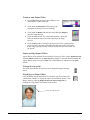
Creating a Subject Block template
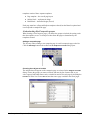
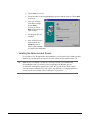
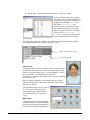
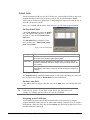
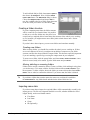
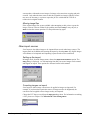
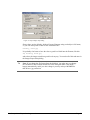
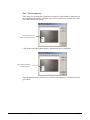
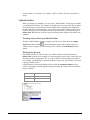
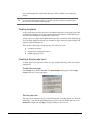
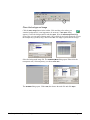
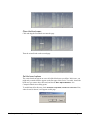
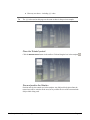
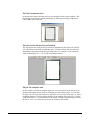
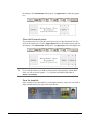
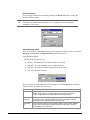
Switch to Design mode by choosing Mode > Design or pressing the F8 key. Choose File >
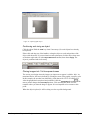
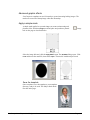
New. The New Template dialog opens – choose the Subject Block option. A new subject
Block opens.
NeoComposite – Chapter 11 – Design mode
Page 129