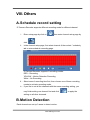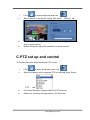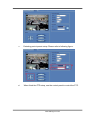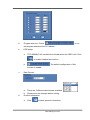
1
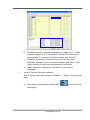
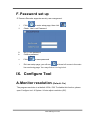
i、 Run Configure tool
ii、 Select “System” tab
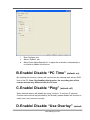
iii、 Select”Auto Adjust Resolution” to adjust the resolution automatically or
un-check to disable this function.
B.Enable/ Disable “PC Time” (default: on)
By enabling this function, system will synchronize the camera/ web server/ DVR
time to the PC. Note: By disabling this function, the recording time of the
remote devices may different from the PC time.
C.Enable/ Disable “Ping” (default: off)
Some network device will disable the “ping” function. To connect IP camera/
Camera server which are protected by the firewall, please disable this function to
make sure it can connect correctly.
D.Enable/ Disable “Use Overlay” (default:
www.allthings.com.au