1
b.
ii.
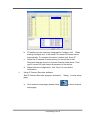
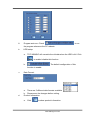
IP Installer function has been integrated in Configure tool. When
starting Configure tool, it will search IP camera & Camera server
automatically. To re-search the device, please click “Scan IP”
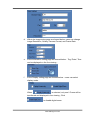
c. Select the IP camera/ Camera server you would like to add.
Drag-and-drop the device on Camera channel listed above. Then
type in correct ID (user name) & password of the device.
d. When finish the configuration, click “Save” to save all the
information.
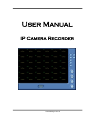
Using IP Camera Recorder software:
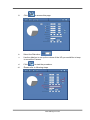
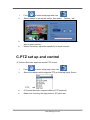
Start IP Camera Recorder program, and select 『Setup』to enter setup
page.
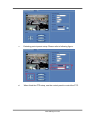
a.
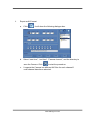
Once entered setup page, please select
setup page.
www.allthings.com.au
to enter channel