1
AC - Prograph User Manual
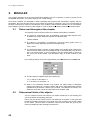
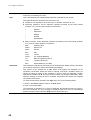
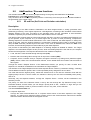
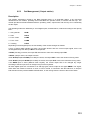
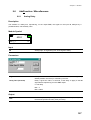
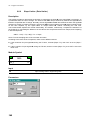
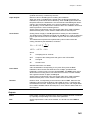
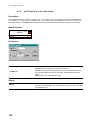
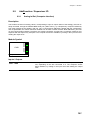
The three selection modes supported are:
• Supervisory Computer
Through the serial communication line, a computer selects the item (that is the pattern of the outputs) , by
writing into a particular register. Please, refers to the Communication manual, for the details about the
location and the format of the register to write.
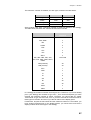
• Through a four bit code, specified by the DI1-DI4 digital inputs of the module, providing the item number.
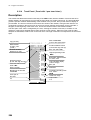
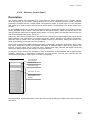
• Though the front panel keyboard of the AC controller through the Scroll keys. By pressing this key, you
choose the item to select and, after, you confirm the choice, by pressing Enter
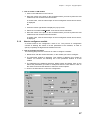
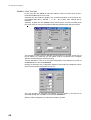
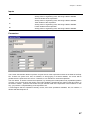
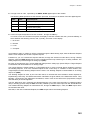
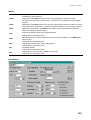
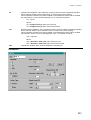
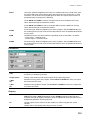
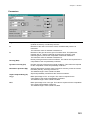
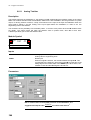
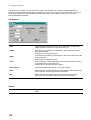
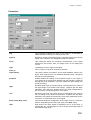
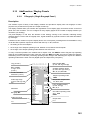
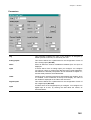
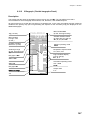
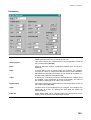
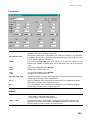
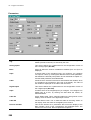
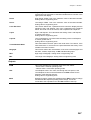
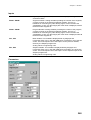
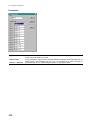
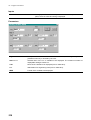
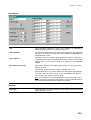
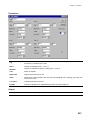
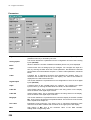
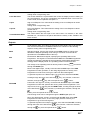
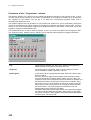
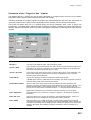
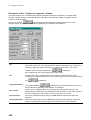
The priority of each mode is set through the Parameters window. The priority order can be changed from the
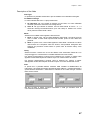
front panel keyboard , using the L/R key. Pressing the L/R key, you select between the following choices, that
are shown cyclically on the display, at the “Priority Request” field:
1. No choice
2. Keyboard
This mechanism allows that the control of the Selector is, usually, performed by the strategy and/or the
Supervisory computer, leaving the possibility of operators interventions, through the keyboard, when required.
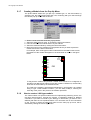
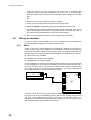
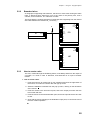
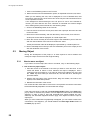
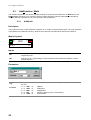
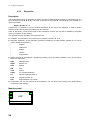
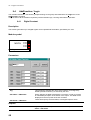
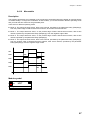
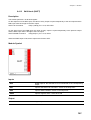
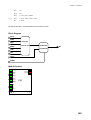
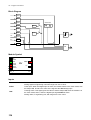
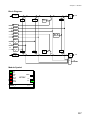
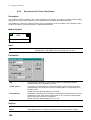
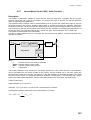
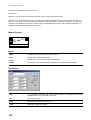
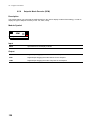
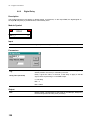
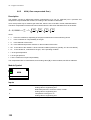
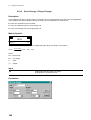
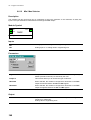
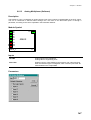
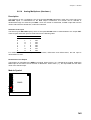
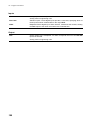
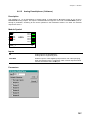
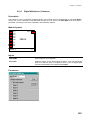
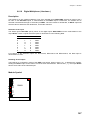
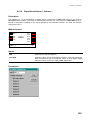
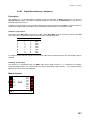
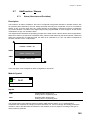
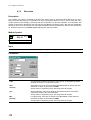
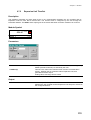
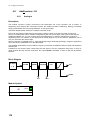
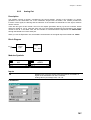
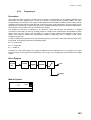
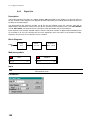
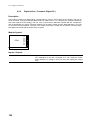
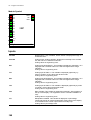
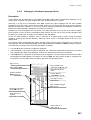
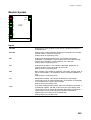
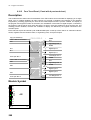
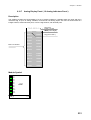
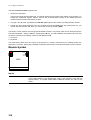
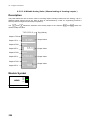
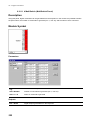
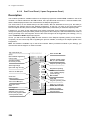
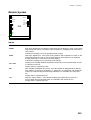
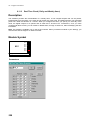
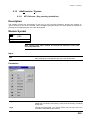
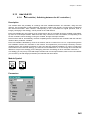
Module Symbol
DI1
DI2
DI3
DI4
DO1
DO2
DO3
DO4
SELP
SELP_1
I:1
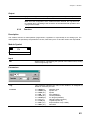
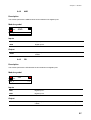
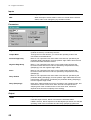
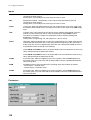
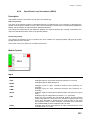
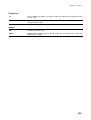
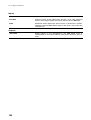
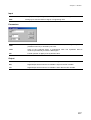
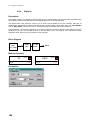
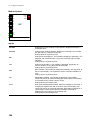
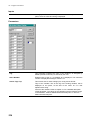
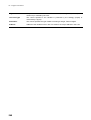
Inputs
DI1÷DI4
218
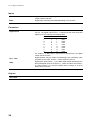
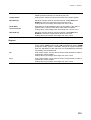
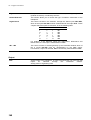
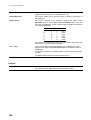
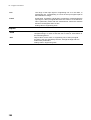
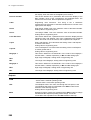
Digital Inputs. These inputs specify a 4 bit number from 0 to 15 that correspond
to the output pattern. If the Digital Input mode is the selection mode with the
highest priority, the digital outputs DO1 - DO4 will assume the value of the
inputs.