1
RGFGRID, User Manual
5.2.7
Grid
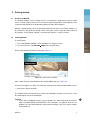
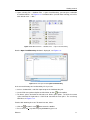
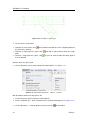
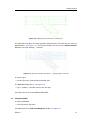
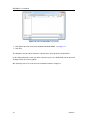
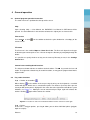
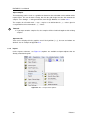
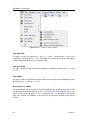
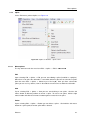
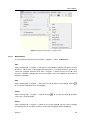
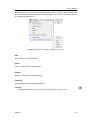
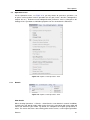
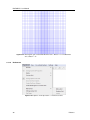
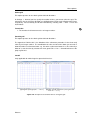
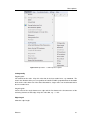
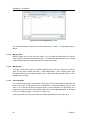
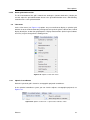
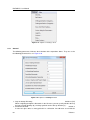
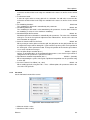
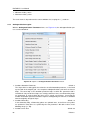
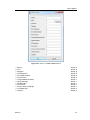
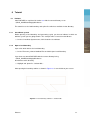
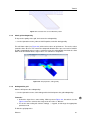
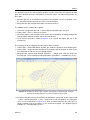
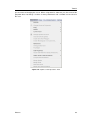
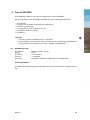
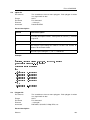
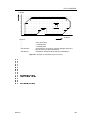
On the Edit menu, point to Grid you can edit the grid, see Figure 5.10
The key stroke to reach the menu item Edit → Grid → Edit is: CTRL+ALT+G
Figure 5.10: Options on the Edit → Grid menu
5.2.7.1
Menu Options
Edit
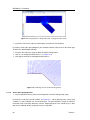
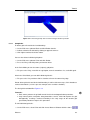
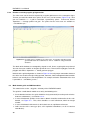
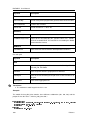
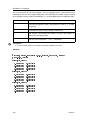
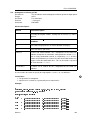
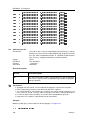
Upon selecting Edit → Grid → Edit, you can start editing a grid. When there is no grid the edit
mode is set to New, which menas start editing an irregular grid. Otherwise you have to select
first a grid (from the menu Edit → Grid → Select or press the key s). After you have selected
the grid you can use key-strokes, icons in the toolbar or menu items to switch the edit mode.
32
Deltares