1
Setup WiFi-Repeater in Repeater mode
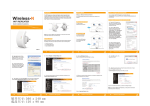
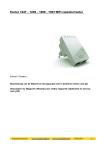
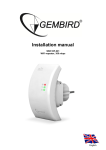
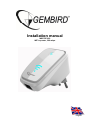
This manual describes the steps you have to follow to setup your Gembird WNP-RP-002 WiFirepeater.
There are two ways to connect the repeater to your home router:
A: Via WPS (Wifi Protected Setup)
B: Manual setup
A: Connecting the repeater via WPS
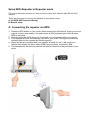
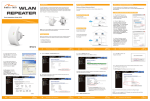
1. Press the WPS button on your router (Most routers have this feature, check your router
manual for more information). On most routers a WPS indicator light will blink when
WPS is activated.
2. Now also press the WPS button for 5 seconds on your repeater within one minute.
3. Your repeater will now automatically connect to your router. During this process the
indicator lights on the repeater will blink frequently.
4. When the setup is complete and your repeater is ready for use, it will send out a
network with exactly the same name (SSID) as your router, followed by .Ext.
5. The password for this wireless network will also be identical to the password of your
router.