1
B: Manual setup of the repeater
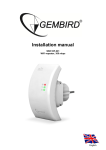
This manual describes the steps you have to follow to setup your Gembird WNP-RP-002 WiFirepeater.
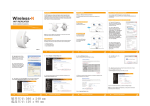
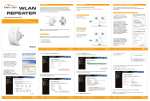
Follow below steps to setup your repeater:
1.
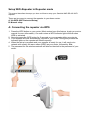
Plug in the repeater in an available power outlet socket. Wait for about 1 minute until the
repeater is booted up.
2.
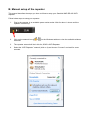
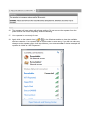
Click on the network icon (
networks.
3.
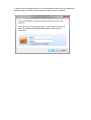
The repeater network will be in this list, SSID is WiFi-Repeater.
4.
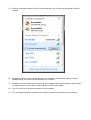
Select the “WiFi-Repeater” network (click on it) and choose “Connect” and wait for some
seconds.
of
) in the Windows taskbar to view the available wireless