1
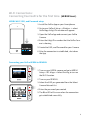
Controlling GoPro (Power On / Off)
Power On
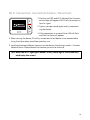
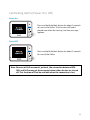
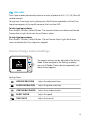
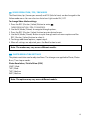
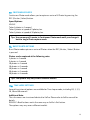
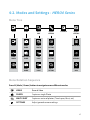
Press and hold the Back button for about 2 seconds
to turn on the GoPro. The Live view will be displayed soon after the Starting Live View message
appears.
Power Off
Press and hold the Back button for about 2 seconds
to turn off the GoPro.
Note: Because of GoPro camera’s protocol, the connection between REMOVU and GoPro may get disconnected when either devices are turned
off. This function will not be available when the connection is lost.
11