1
3. Using the REMOVU R1
Charging the Battery
*The battery should be fully charged before using R1 the first time.
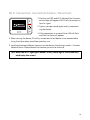
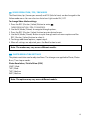
1. Connect the device to a computer
USB port using the micro USB cable
included in the package.
2. R1 can also be charged with a USB
power adapter. (Adaptor’s not
included)
We recommend using GoPro, or
Apple iphone adaptors.
Turning Your Device On and OFF
Turning it on
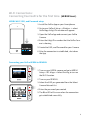
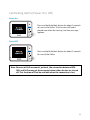
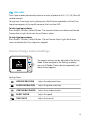
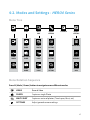
1. Press the M (Mode / Power) button for about 1
second to turn on the power.
2. The REMOVU logo will appear. After short loading, Wi-Fi network list will pop up.
Turning it off
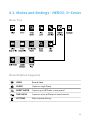
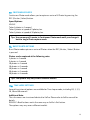
1. Press the M (Mode / Power) button for about 2
seconds to turn off the device. REMOVU Power off
logo will appear then the device will be turned off
with the red LED blinking three times.
2. If no input is made for 30 seconds in the Live View
Mode, the screen will shut off to save power.
6