1
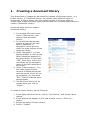
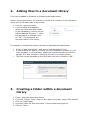
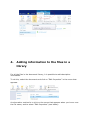
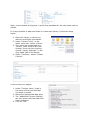
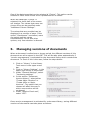
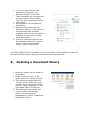
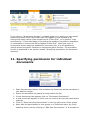
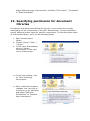
2. Adding files to a document library Files can be added to Libraries by following the steps below: Open a Document Library, by clicking on name of the Library in the navigation menu on the left hand side of the screen. 1. Click on “Add Document”. 2. In the window that appears, select the document that needs to be uploaded by clicking on the button labelled “Browse …”. After the document is selected, click on “OK”. The document will become visible in the library. If necessary, multiple documents can also be uploaded simultaneously. 3. 1. 2. 3. 4. 5. Click on "Add Documents", and select "Upload Multiple Files". A new window will pop up in which you can navigate to a folder on your local computer. In this window, select the documents that you want to upload. It is also possible to select all the files in a certain folder. The files can be uploaded to the VRE after you have clicked on "OK". Creating a folder within a document library Firstly, open the document library. From the "Library Tools" menu in the upper menu bar, select "Documents". Click on "New Folder" Provide a name for this new folder in the window that pops up. Click on "Save".