1
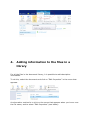
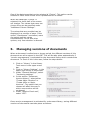
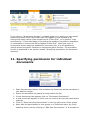
Next, a new window will appear in which the metadata for the document can be
edited.
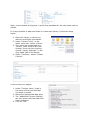
It is also possible to add new fields in a document library. Follow the steps
below.
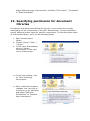
1. Open the Library in which you
want to record the information.
2. Under "Library Tools", in the
upper menu bar, select "Library"
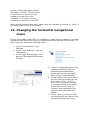
3. The menu bar underneath the
"Library Tools" section will now
change. From this list of option,
choose "Library Settings", in the
right hand side of the screen.
4. Under "Columns", select "Create
Column".
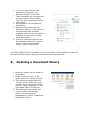
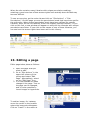
A new screen will appear.
1. Under “Column name”, type in
the name of the new fiels that
you want to create
2. Select the appropriate data type.
3. The “additional Column Settings”
will vary along with the data type
that is selected.
4. Click on “OK”.