1
Chapter 12: Working with Contours
277
Scaling a Contour Display
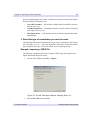
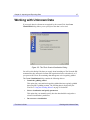
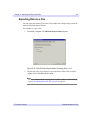
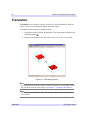
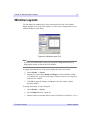
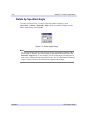
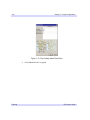
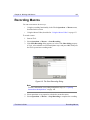
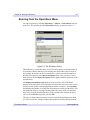
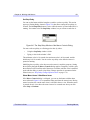
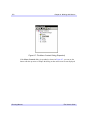
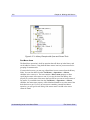
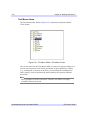
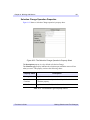
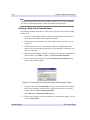
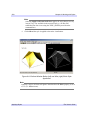
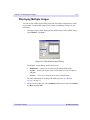
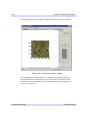
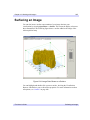
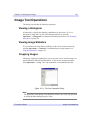
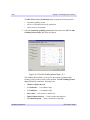
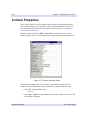
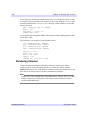
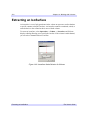
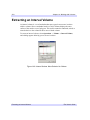
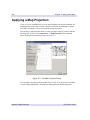
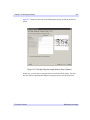
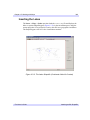
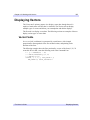
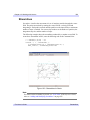
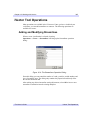
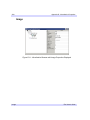
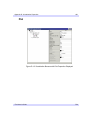
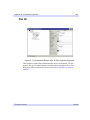
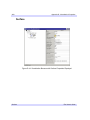
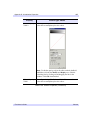
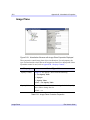
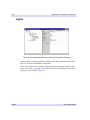
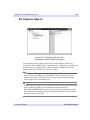
The iContour tool allows you to scale your contour data by selecting
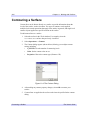
Operations → Transform → Scale Data. You can scale your data by a factor which
you provide in the Scale Factor dialog.
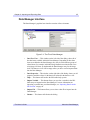
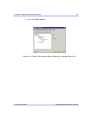
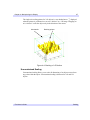
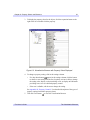
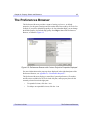
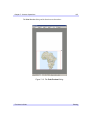
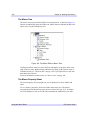
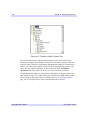
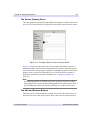
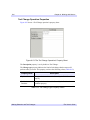
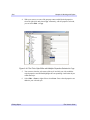
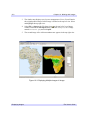
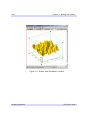
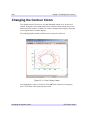
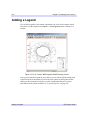
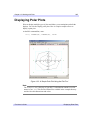
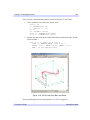
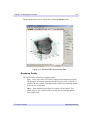
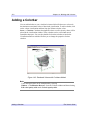
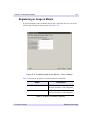
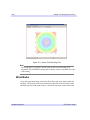
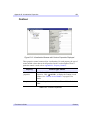
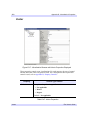
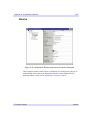
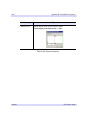
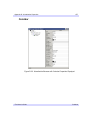
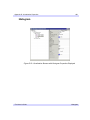
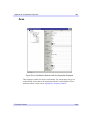
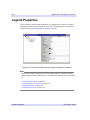
Figure 12-18: Setting the Contour Scale Factor
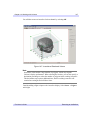
Once you have set the scale factor, select OK and the scaling takes place.
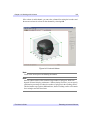
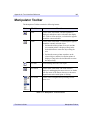
You may zoom in and out from your plot using either the Zoom In and Zoom Out
buttons on the iPlot toolbar, or by selecting Window → Zoom In or
Window → Zoom Out.
Adding Annotations
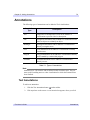
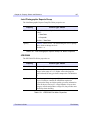
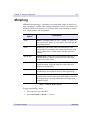
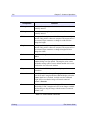
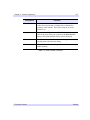
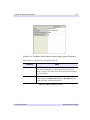
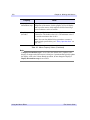
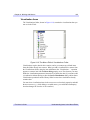
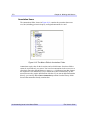
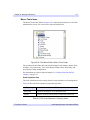
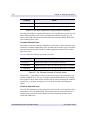
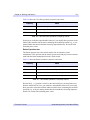
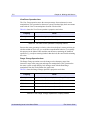
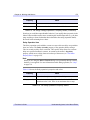
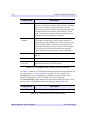
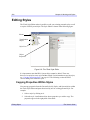
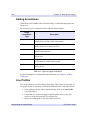
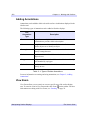
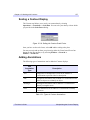
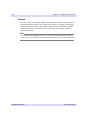
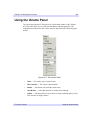
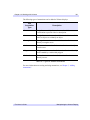
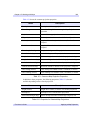
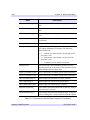
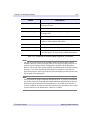
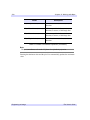
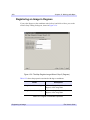
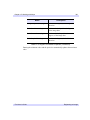
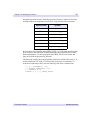
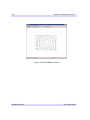
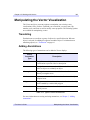
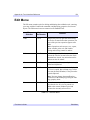
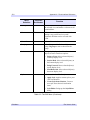
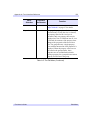
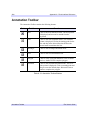
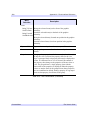
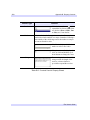
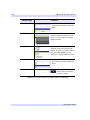
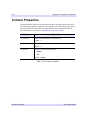
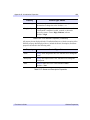
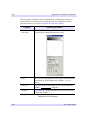
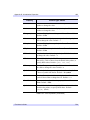
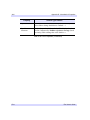
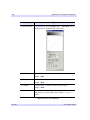
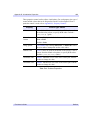
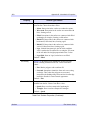
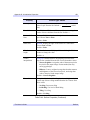
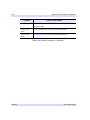
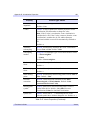
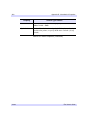
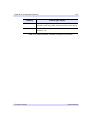
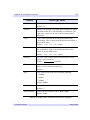
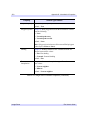
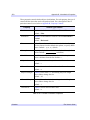
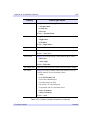
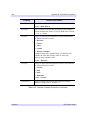
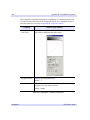
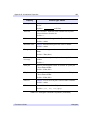
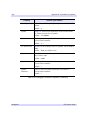
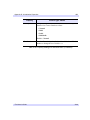
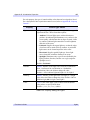
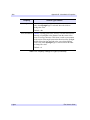
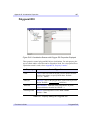
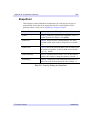
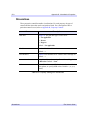
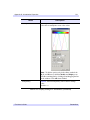
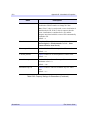
The following types of annotations can be added to iContour displays:
Plot
Annotation
Type
Description
Text
Single lines or multiple lines of text can be added to a
visualization to provide a label or description.
Line
Straight line annotations can be added to a visualization to link
labels to objects or to identify an object.
Rectangle
Rectangular annotations can be added to a visualization to
identify rectangular areas.
Oval
Oval annotations can be added to a visualization to identify
oval areas.
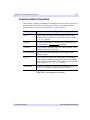
Table 12-1: Types of Contour Annotations
iTool User’s Guide
Manipulating the Contour Display