1
Chapter 14: Working with Volumes
319
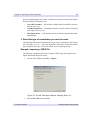
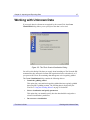
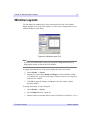
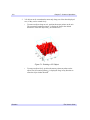
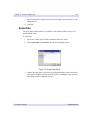
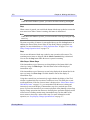
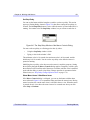
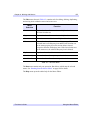
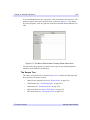
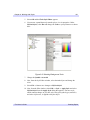
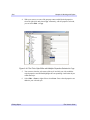
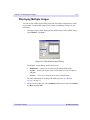
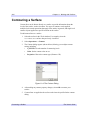
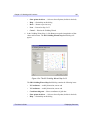
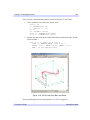
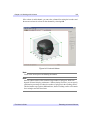
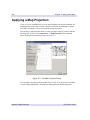
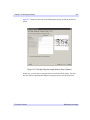
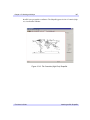
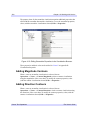
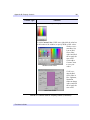
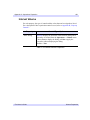
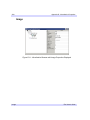
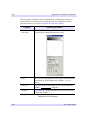
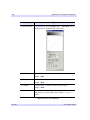
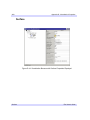
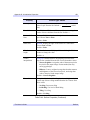
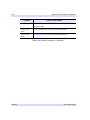
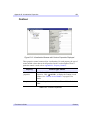
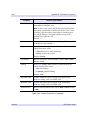
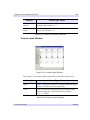
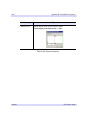
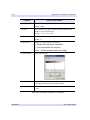
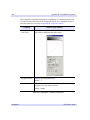
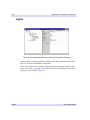
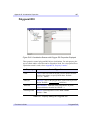
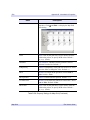
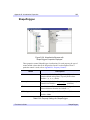
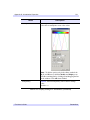
If the volume is multi channel, you can select a channel for setting the isovalues and
then create an interval volume for that channel by selecting OK.
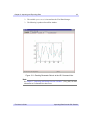
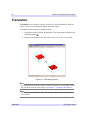
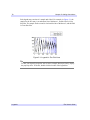
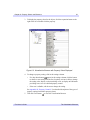
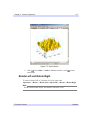
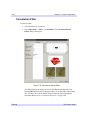
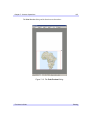
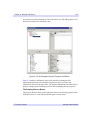
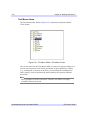
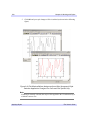
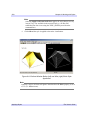
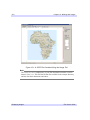
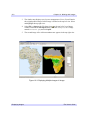
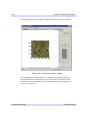
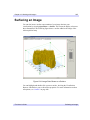
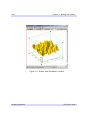
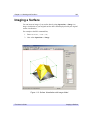
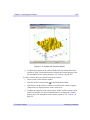
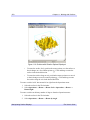
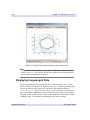
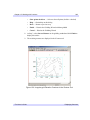
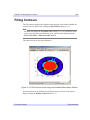
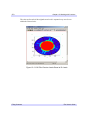
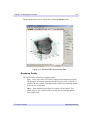
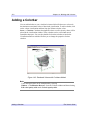
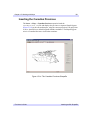
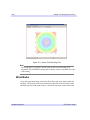
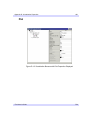
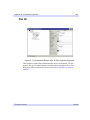
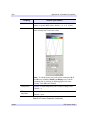
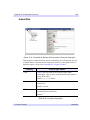
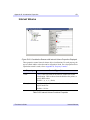
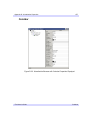
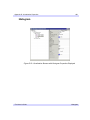
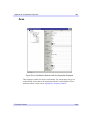
Figure 14-9: Interval Volume
Note
Vertex colors are not persevered during decimation.
Note
Interval volume surfaces often contain a large number of polygons, which can
degrade iVolume’s display performance. When selecting isovalues, you can specify
a decimation percentage to reduce the number of polygons in the resulting surface.
This decimation step requires additional time, but the resulting surface will contain
fewer triangles and will draw faster.
iTool User’s Guide
Extracting an Interval Volume