1
258
Chapter 12: Working with Contours
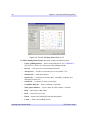
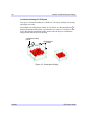
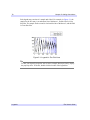
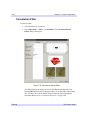
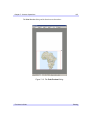
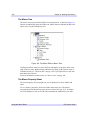
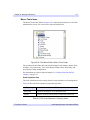
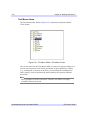
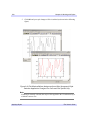
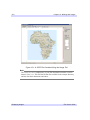
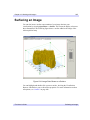
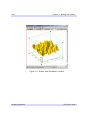
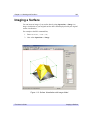
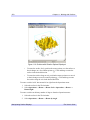
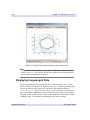
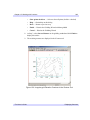
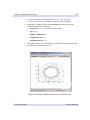
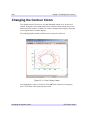
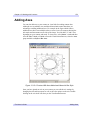
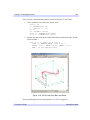
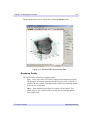
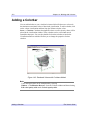
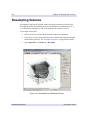
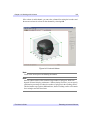
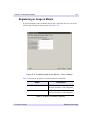
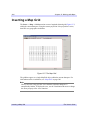
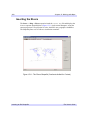
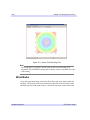
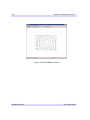
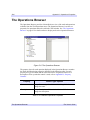
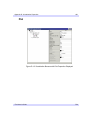
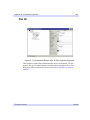
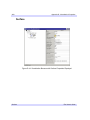
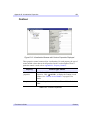
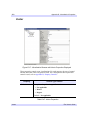
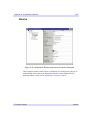
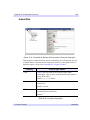
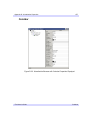
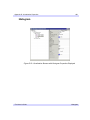
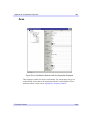
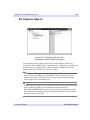
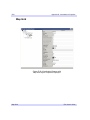
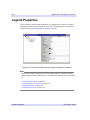
Figure 12-1: Earth Convection Contours in the iContour Tool
Note
The examples/data directory of your IDL 7.0 distribution contains a text file
named index.txt. This file lists all data files available in the example directory
and also lists their dimensions and values.
Displaying Irregular-grid Data
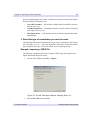
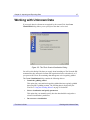
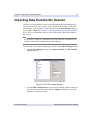
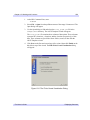
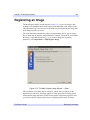
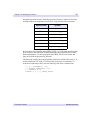
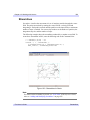
Irregular-grid data points are presented by three one-dimensional vectors, usually
known as fields. The following example shows one way of importing and displaying
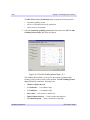
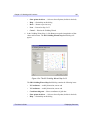
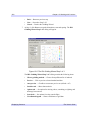
this type of data into the iContour tool. The three fields contained within the
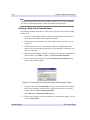
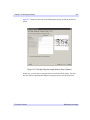
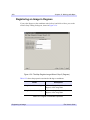
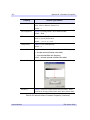
irreg_grid1.txt ASCII file in the examples/data directory is imported into
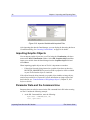
IDL with the File → Open option in the iContour tool. This option uses the ASCII
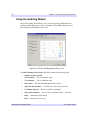
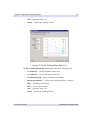
Template wizard to import the data, which is then gridded into contour data with the
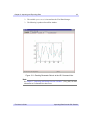
Gridding Wizard. The iContour tool then displays this data as contours.
Displaying Contours
iTool User’s Guide