1
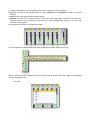
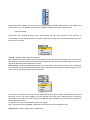
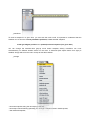
see “Windowing” for more explanation.
_wave pad
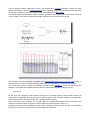
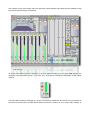
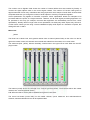
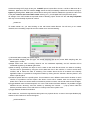
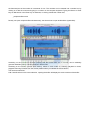
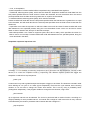
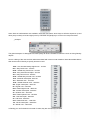
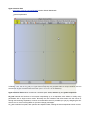
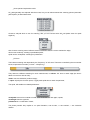
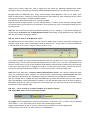
The WavePad is the audio buffer used to load audio files, Density can upload up to 12 audio files for stream
and then a total of 96 files. You can load an audio file from the pop-up menù (load/replace), or simply drag &
drop a sound file on the pad. There are supports WAV, Next/Sun, AIFF, MP3 1 file informations will be
displayed below, loading sound files, the names will be showed in the popup menù, replacing the “null”
string.
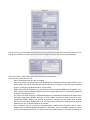
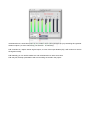
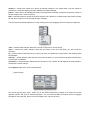
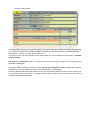
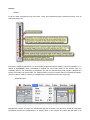
On the right side of the pad, you can choose the type of action: select, loop, move and draw.
The tools select and loop allows you to scroll the buffer manually (scubbing).
If scanning ratio is != 0 ( 0 = freeze), scrub-pad temporarily disable scanning when pressure mouse down
button, playback scanning resumes from the current position when you release mouse up button.
loop has a dual function, compared to select, you can control the length grains, dragged up and down.
move allows you to scroll the waveform inside the pad, also moving the mouse up/down for time zoom.
scanning looped the selection (wraparound);
draw allows you to draw waveform directly on the pad.
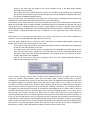
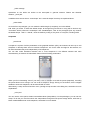
Density uses QuickTime to convert a media file (including MP3 files) into the sample memory of a wavePad and
requires that QuickTime be installed on your system. If you are using Density on Windows, we recommend that you
install QuickTime and choose a complete install of all optional components.
1