1
Manual
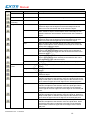
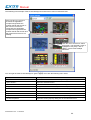
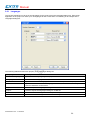
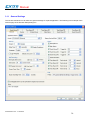
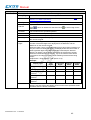
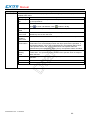
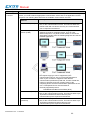
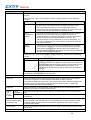
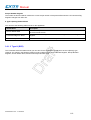
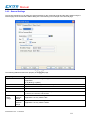
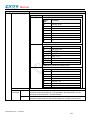
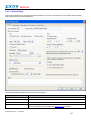
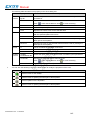
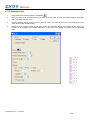
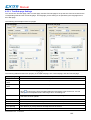
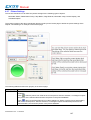
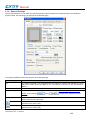
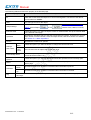
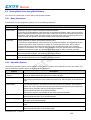
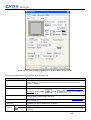
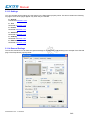
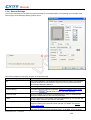
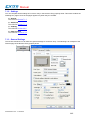
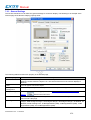
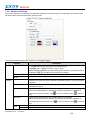
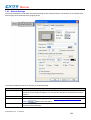
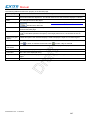
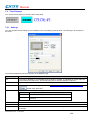
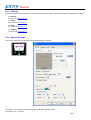
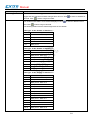
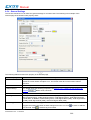
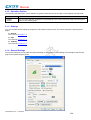
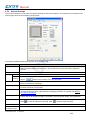
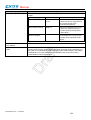
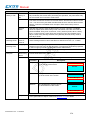
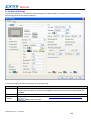
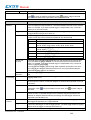
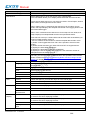
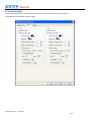
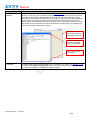
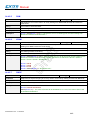
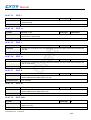
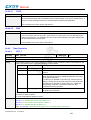
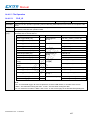
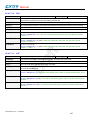
Shape settings
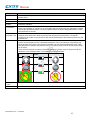
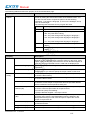
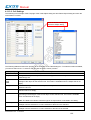
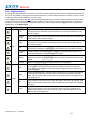
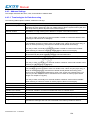
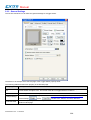
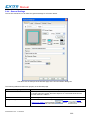
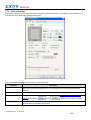
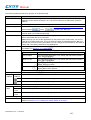
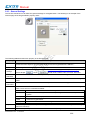
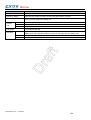
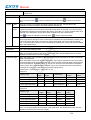
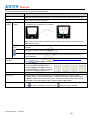
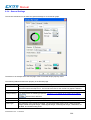
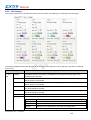
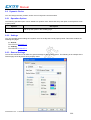
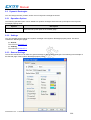
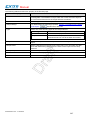
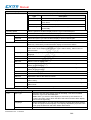
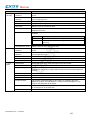
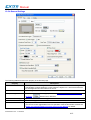
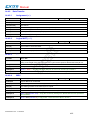
For details about the following properties, see Section 4.3.4 Setting up the Shape of an
Object, Picture Shape,
, Border Color, Pattern, FG Color, BG Color
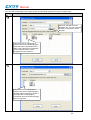
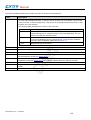
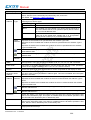
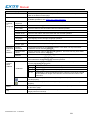
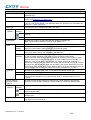
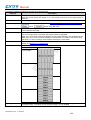
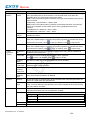
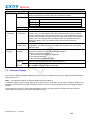
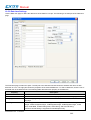
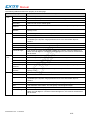
External Label
Check this option if you want the multi-state lamp to have an external label. Set up the
external label in the External Label page.
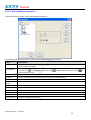
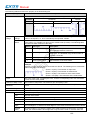
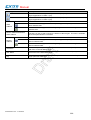
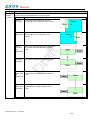
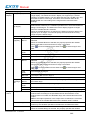
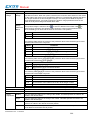
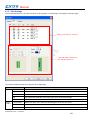
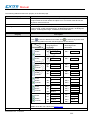
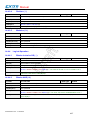
State
Select a state as the current state of the multi-state lamp so you can view and set the
object appearance for that state.
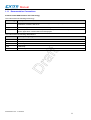
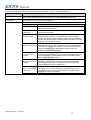
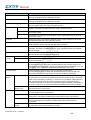
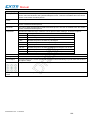
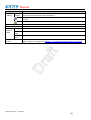
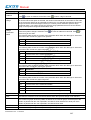
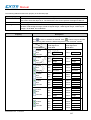
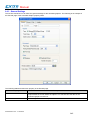
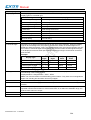
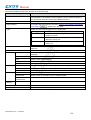
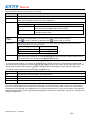
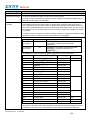
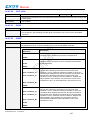
Data Type
The data type of the monitored variable. The supported data types include: 16-bit
Unsigned Integer, 16-bit BCD, 32-bit Unsigned Integer, and 32-bit BCD.
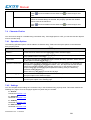
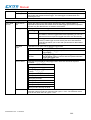
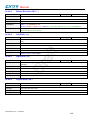
Monitor
Address
Monitor
Address
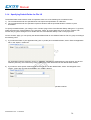
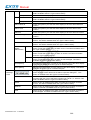
Specifies the variable to be monitored.
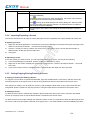
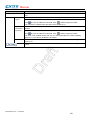
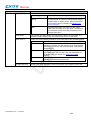
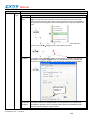
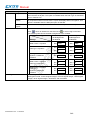
Click this icon to bring up the Address Input Keypad and specify an address for the
Monitor Address field.
Click this icon to bring up the Select Tag dialog box and select a tag for the Monitor
Address field.
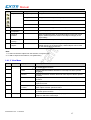
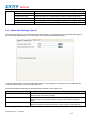
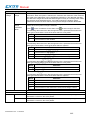
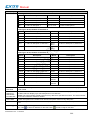
Total States
Specifies the number of states that the multi-state lamp can display.
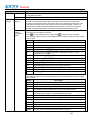
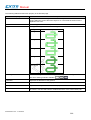
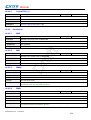
State Type
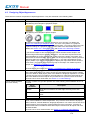
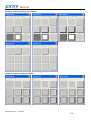
The state type to decide the state of the monitored variable. The supported state types
include Value and LSB. For details, see Section 4.4.1.1 State Types
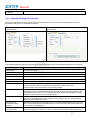
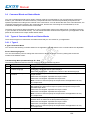
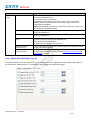
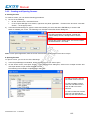
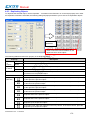
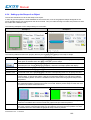
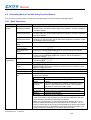
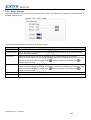
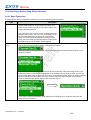
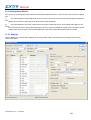
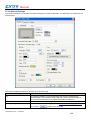
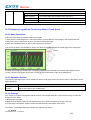
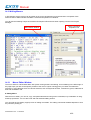
3.3. Displaying Text Information Using Message Displays
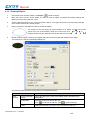
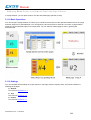
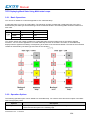
3.3.1. Basic Operations
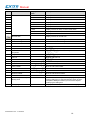
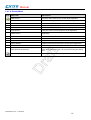
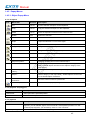
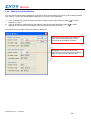
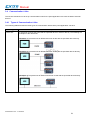
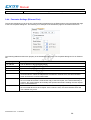
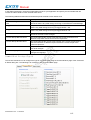
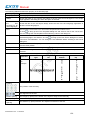
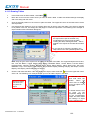
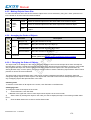
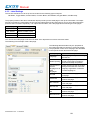
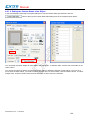
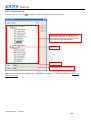
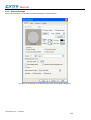
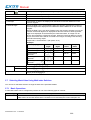
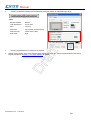
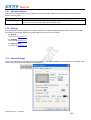
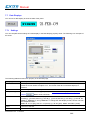
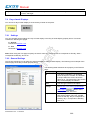
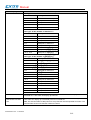
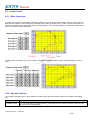
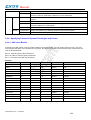
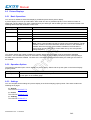
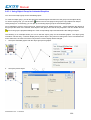
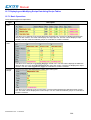
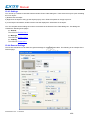
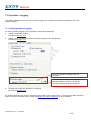
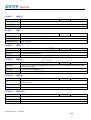
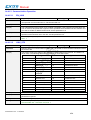
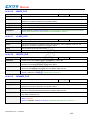
You can use a variable to select and display a predefined message with a message display.
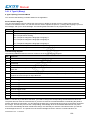
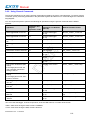
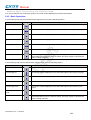
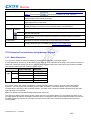
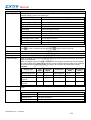
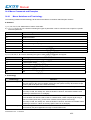
A message display can have up to 256 states. Each state can have a predefined message. The maximum number of
states that a message display can have is determined by the state type and the data type of the monitored variable.
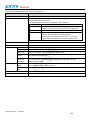
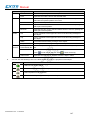
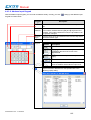
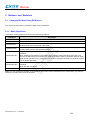
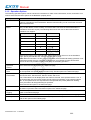
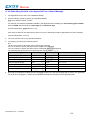
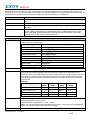
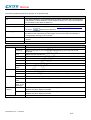
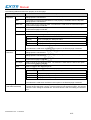
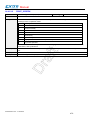
The following table shows the maximum in each case.
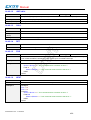
State
Type
Type of Variable
Maximum
Bit
Bit
2
Value
16-bit
256
32-bit
256
16-bit
17
32-bit
33
LSB
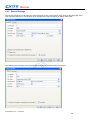
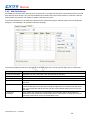
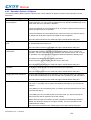
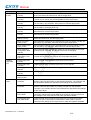
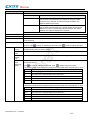
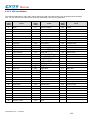
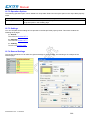
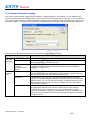
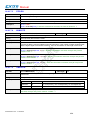
You need to specify the number of states for a message display and the number must not exceed the allowed
maximum. You can set the text (message) for each state. At runtime, a message display shows the message
corresponding to the state of the monitored variable. The state of the monitored variable is determined by the state
type and value of the variable.
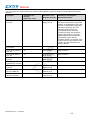
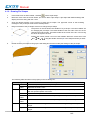
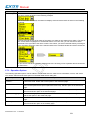
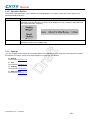
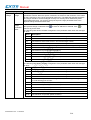
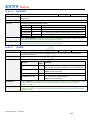
Note: The differences between Message Display and Lamps are:
The lamps can display either text or picture or both of them, but message display can only display text. Both of the
message display and lamps can display predefined text by changing the value of the monitored variable. But only the
message display can perform as a marquee controlled by the value of the monitored variable and the specified
running speed.
eV Manual V1.2a - 17.03.2010
260