1
Manual
12.4.3 Settings
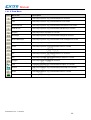
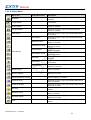
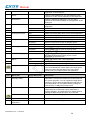
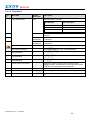
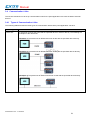
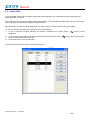
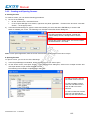
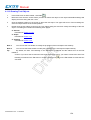
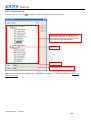
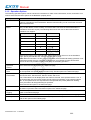
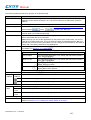
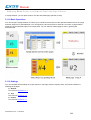
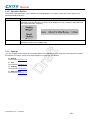
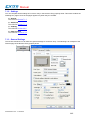
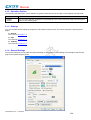
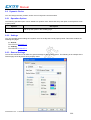
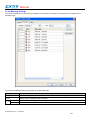
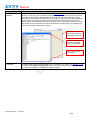
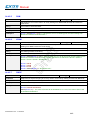
You can set up a historic event table with the Historic Event Table dialog box. There are three ways to open the dialog
box of an object:
1) Double-click the object.
2) Right-click the object to bring up the Object pop-up menu. Select Properties in the pop-up menu.
3) In the Object List window, double-click the row that displays the information of the object.
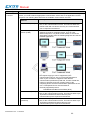
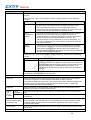
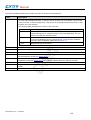
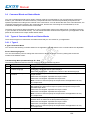
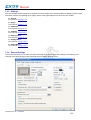
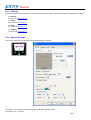
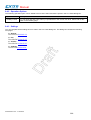
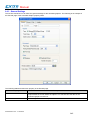
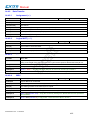
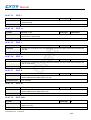
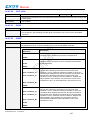
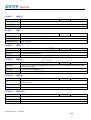
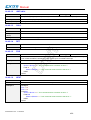
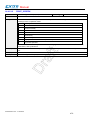
You can complete all the settings of a historic event table in the Historic Event Table dialog box. This dialog box
contains the following three pages.
■ General
Described in Section 12.4.4.
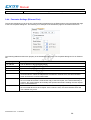
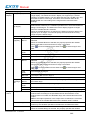
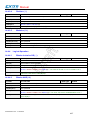
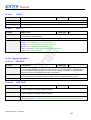
■ Message
Described in Section 12.4.5.
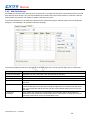
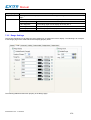
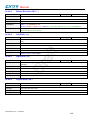
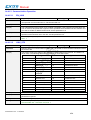
■ Visibility
Described in Section 4.4.6.
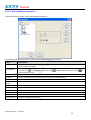
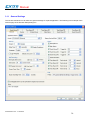
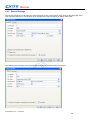
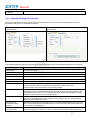
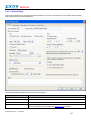
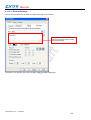
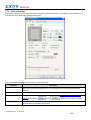
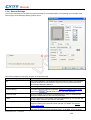
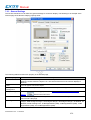
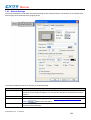
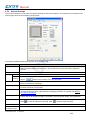
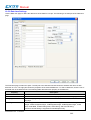
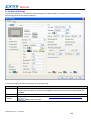
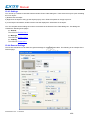
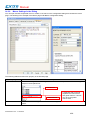
12.4.4 General Settings
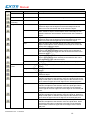
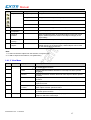
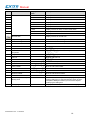
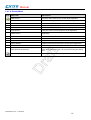
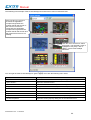
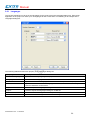
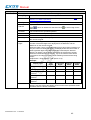
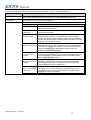
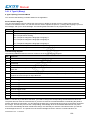
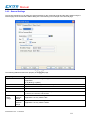
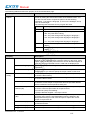
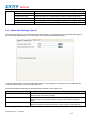
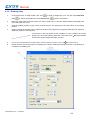
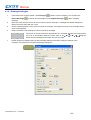
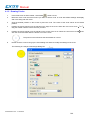
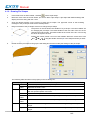
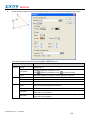
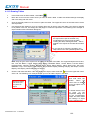
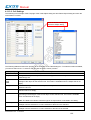
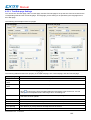
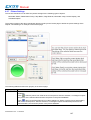
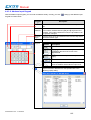
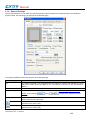
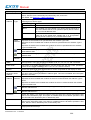
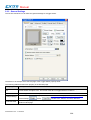
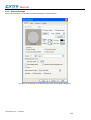
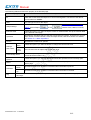
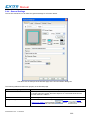
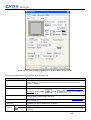
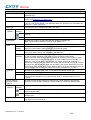
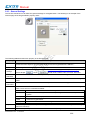
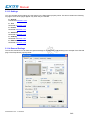
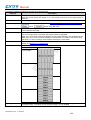
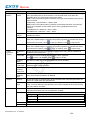
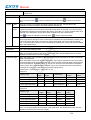
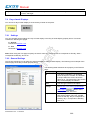
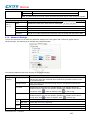
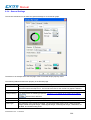
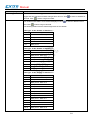
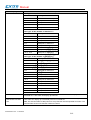
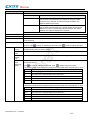
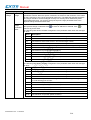
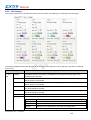
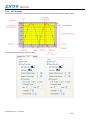
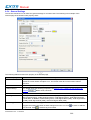
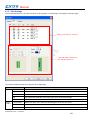
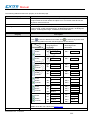
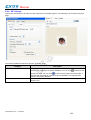
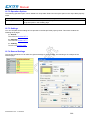
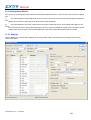
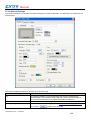
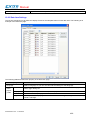
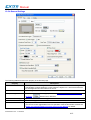
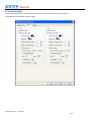
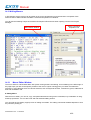
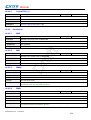
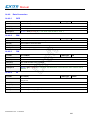
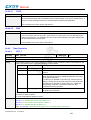
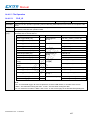
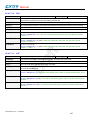
This section describes how to define the general settings for a historic event table. The following is an example of the
General page.
eV Manual V1.2a - 17.03.2010
409