1
Phase 5: Quality Management
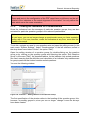
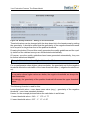
responsible. The best attitude would be to use this score as an impulse to continue to
improve your teaching!
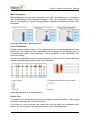
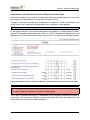
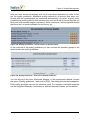
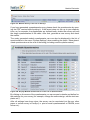
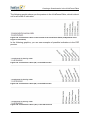
How can you continue to improve the atmosphere as judged by students/participants
(friendly manner with students/participants, cooperativeness and instructor/trainer is
open)? Particularly in courses with interactive teaching is this an important aspect […]
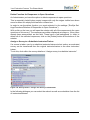
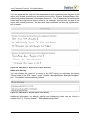
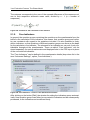
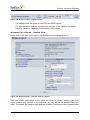
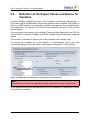
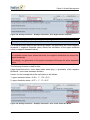
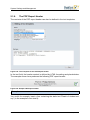
As an alternative to manual entry of norm values you can also make use of existing
evaluations that you have already created with the user type report creator.
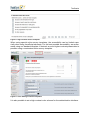
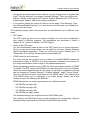
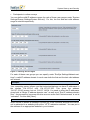
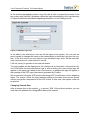
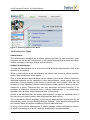
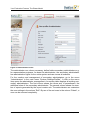
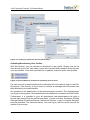
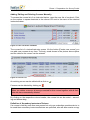
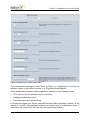
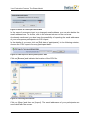
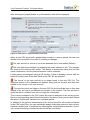
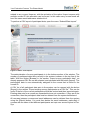
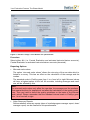
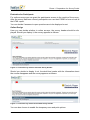
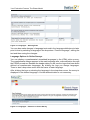
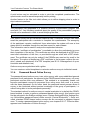
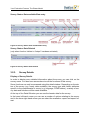
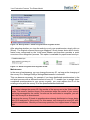
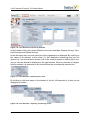
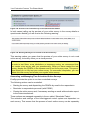
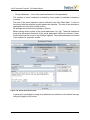
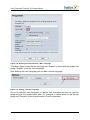
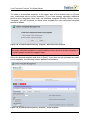
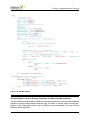
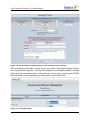
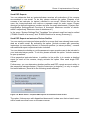
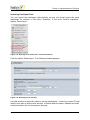
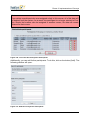
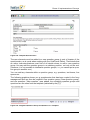
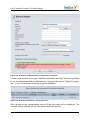
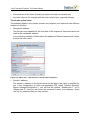
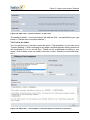
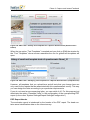
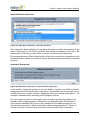
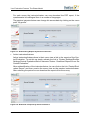
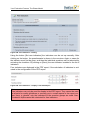
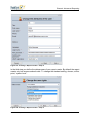
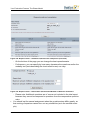
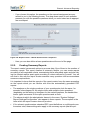
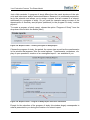
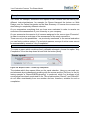
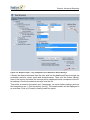
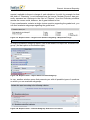
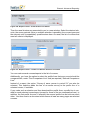
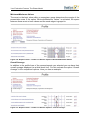
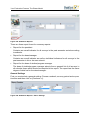
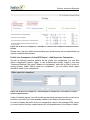
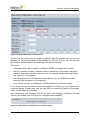
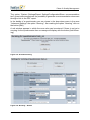
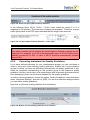
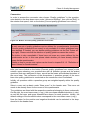
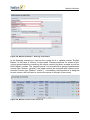
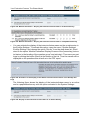
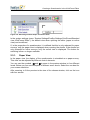
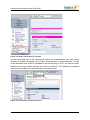
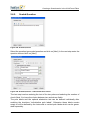
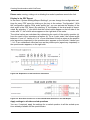
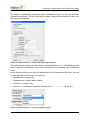
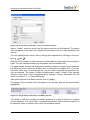
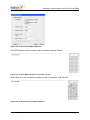
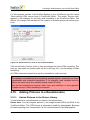
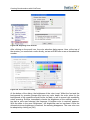
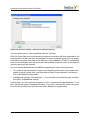
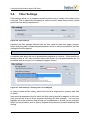
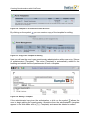
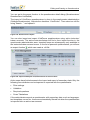
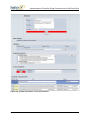
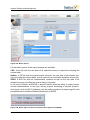
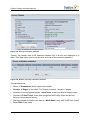
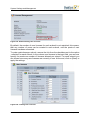
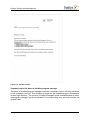
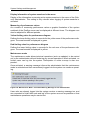
In the section “Edit norming types” click on the button [Edit].
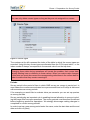
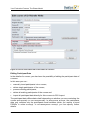
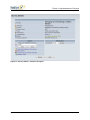
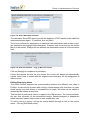
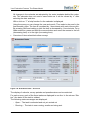
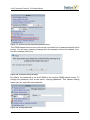
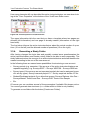
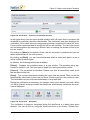
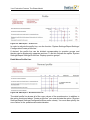
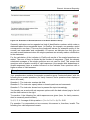
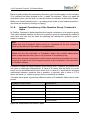
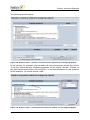
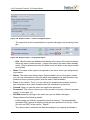
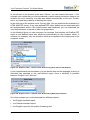
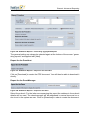
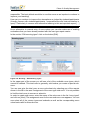
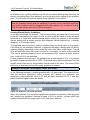
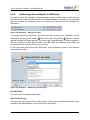
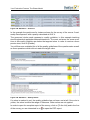
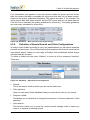
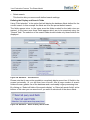
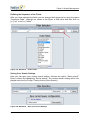
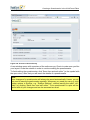
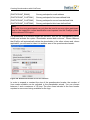
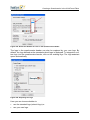
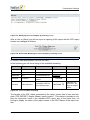
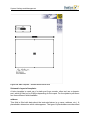
Figure 416: Norming – Edit Norming Types
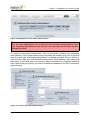
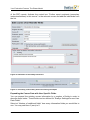
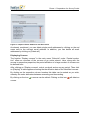
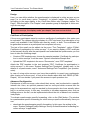
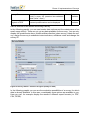
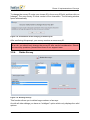
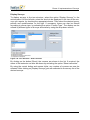
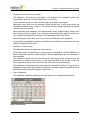
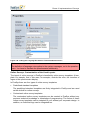
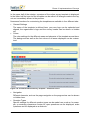
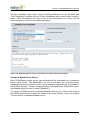
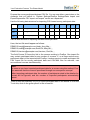
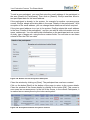
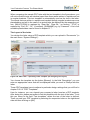
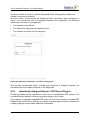
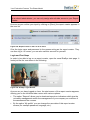
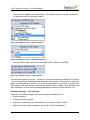
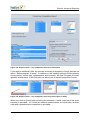
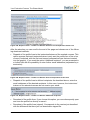
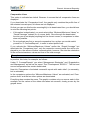
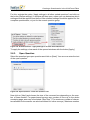
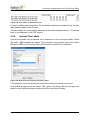
In the upper part of the screen you will see a list of the available norm types, which
cannot be deleted. This total norm is generally valid unless you create a special subnorm.
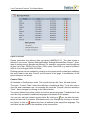
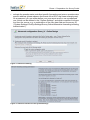
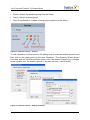
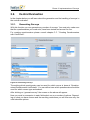
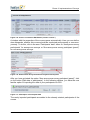
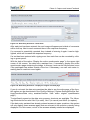
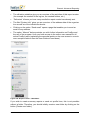
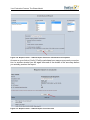
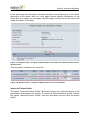
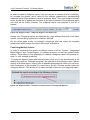
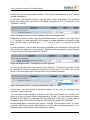
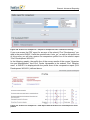
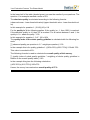
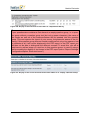
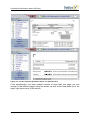
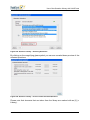
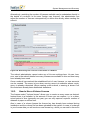
You can now give the total norm a norm value basis by selecting one of the reports
shown in the list in the area “Assignment of the norm type total norm”. It is not possible
to limit the total norm to courses or subunits.
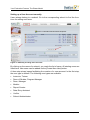
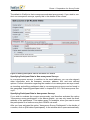
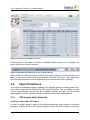
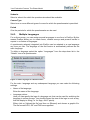
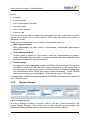
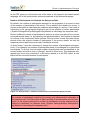
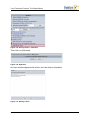
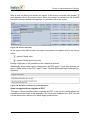
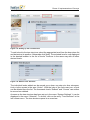
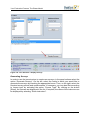
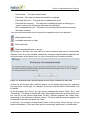
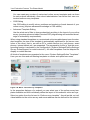
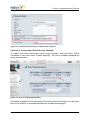
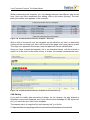
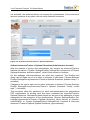
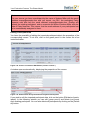
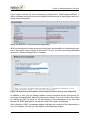
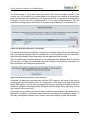
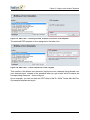
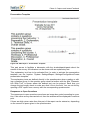
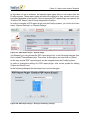
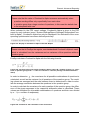
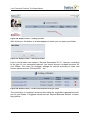
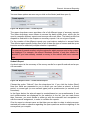
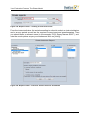
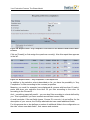
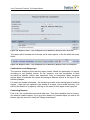
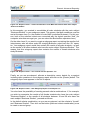
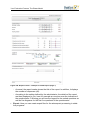
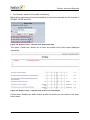
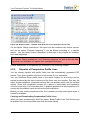
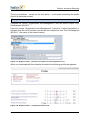
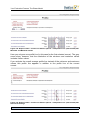
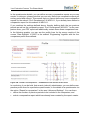
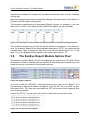
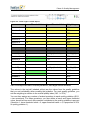
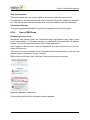
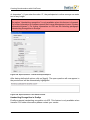
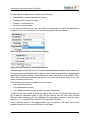
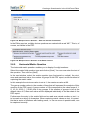
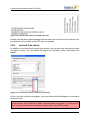
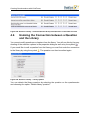
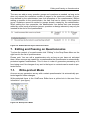
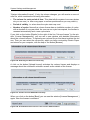
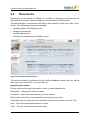
In order to create sub-norms, enter the name of the sub-norm in the list “norm types”
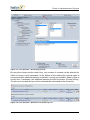
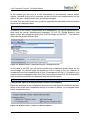
and click on [New]. The assignment area for the new sub-norm now appears. You can
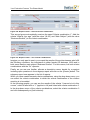
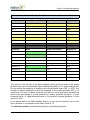
now select all of the course types and subunits as well as the corresponding norm
value basis valid for this sub-norm.
© 2011 Electric Paper GmbH
319