1
System Management and Summary
helps to reduce one-off access peaks. In this way, even at peak access times, system
performance is optimally utilized.
Archiving: Your existing PDF reports and CSV raw data can be archived by sending
them to the email address defined in the configuration. In this way, legacy data can be
exported with a complete audit trail and subsequently deleted from EvaSys, increasing and maintaining clarity and performance of the system Please note, that EvaSys is
a productive system and should not be used as an archiving system. (see also
chapter B 3.2.9. "Batch Events ").
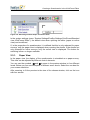
System cleaning: Please delete all reports, compilations, subgroup reports, PSWDs,
deliveries and log book entries that you do no longer need via the system cleaning
(menu “System Information”). Thus the clarity and performance of the system
increases (see also chapter D 1.11. "System Cleaning").
1.10. Deletion Log
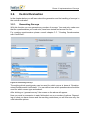
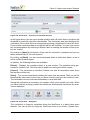
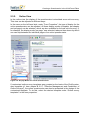
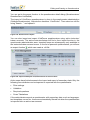
The deletion log tracks all data deletion events in the system. It is not possible to
delete from the deletion log.
The following deletion processes are logged in this protocol:
•
Subunits
•
Users
•
Courses
•
Surveys
•
PSWDs
•
Questionnaires
•
Study Folders (Active Accounts)
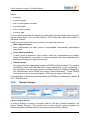
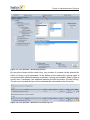
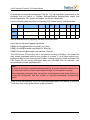
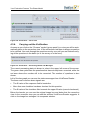
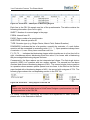
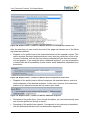
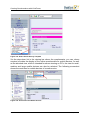
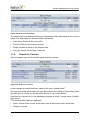
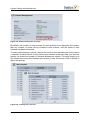
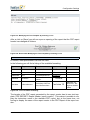
Each deletion log record will contain the following information:
•
User: Who has deleted the data?
•
Object Type and Description: What was deleted?
•
Date: When was the data deleted?
•
ID of triggering activity: Which deletion event chain has caused the deletion of this
element?
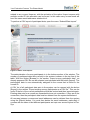
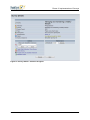
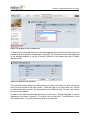
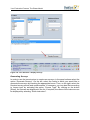
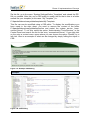
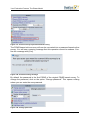
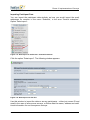
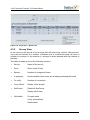
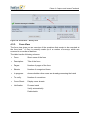
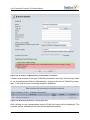
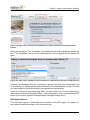
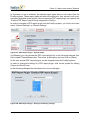
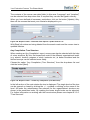
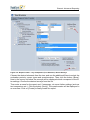
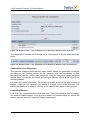
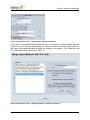
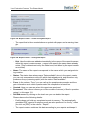
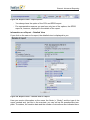
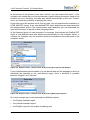
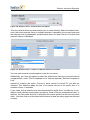
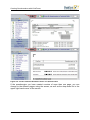
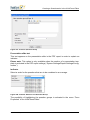
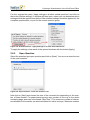
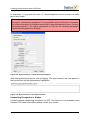
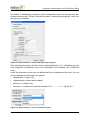
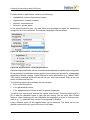
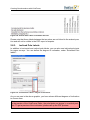
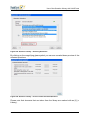
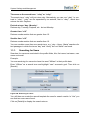
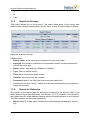
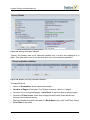
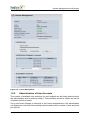
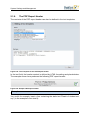
The top section allows the selection of object types to be displayed (multi selection
using the CTRL key). It is also possible to define the number of records per page.
© 2011 Electric Paper GmbH
451