1
Your Evaluation Process: The Phase Model
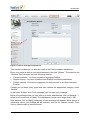
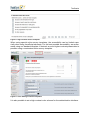
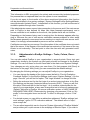
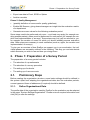
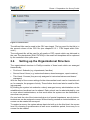
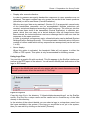
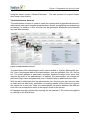
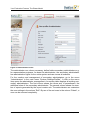
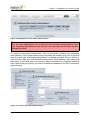
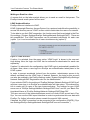
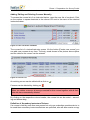
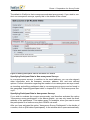
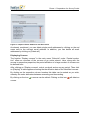
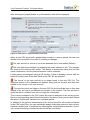
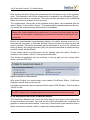
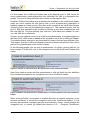
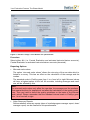
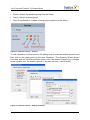
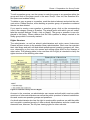
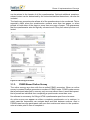
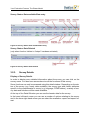
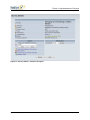
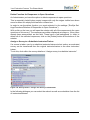
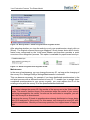
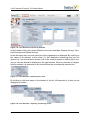
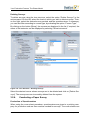
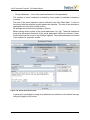
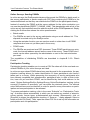
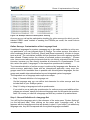
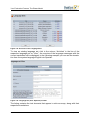
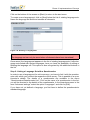
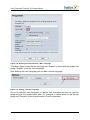
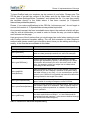
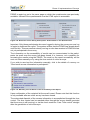
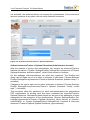
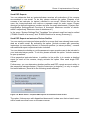
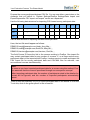
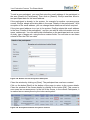
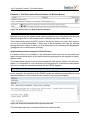
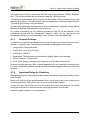
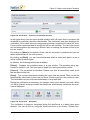
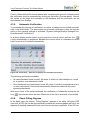
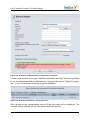
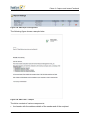
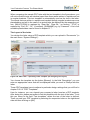
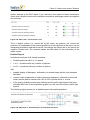
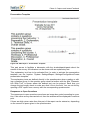
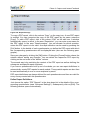
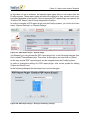
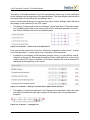
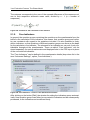
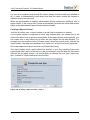
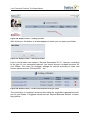
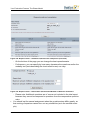
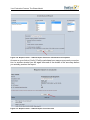
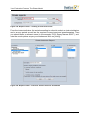
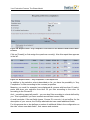
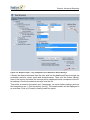
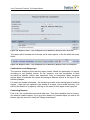
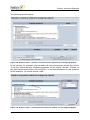
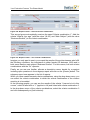
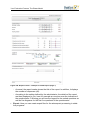
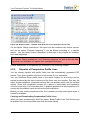
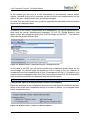
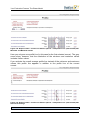
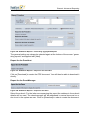
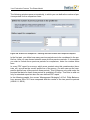
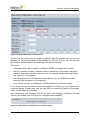
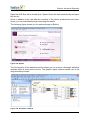
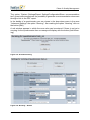
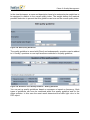
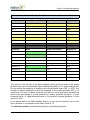
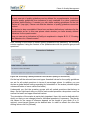
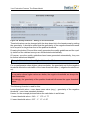
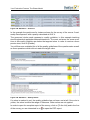
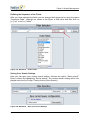
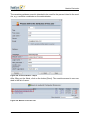
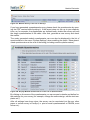
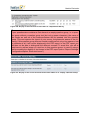
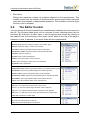
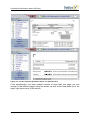
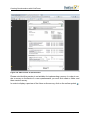
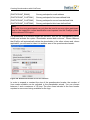
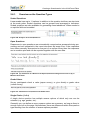
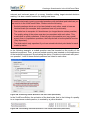
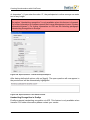
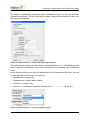
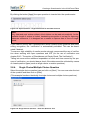
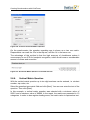
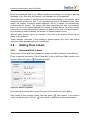
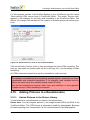
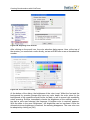
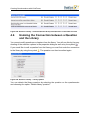
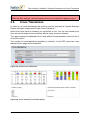
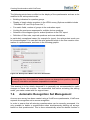
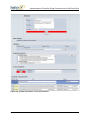
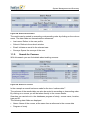
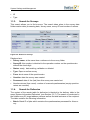
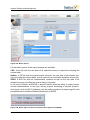
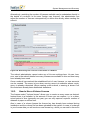
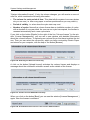
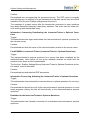
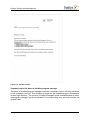
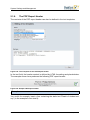
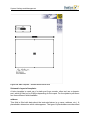
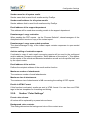
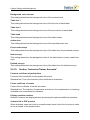
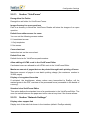
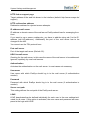
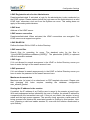
In the table displayed you can now set for all the dimensions (indicators) as well as
items (only scaled items are permissible) norm values and analysis rules.
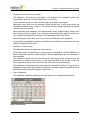
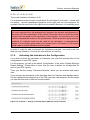
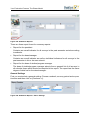
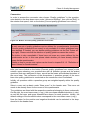
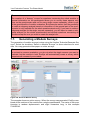
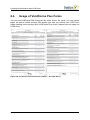
Figure 415: Norming – Edit
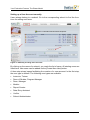
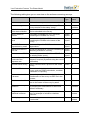
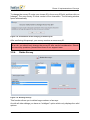
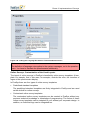
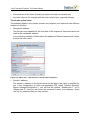
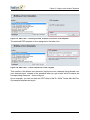
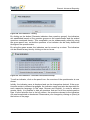
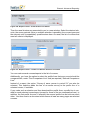
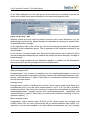
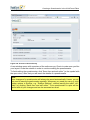
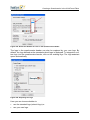
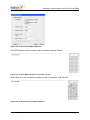
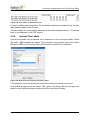
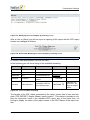
Whether results are to be seen as positive must be set for each dimension, e.g. for
methodology and structure, above average; for redundancy, average; for anomie (lack
of discipline) below average.
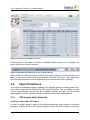
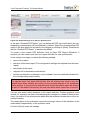
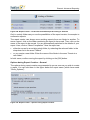
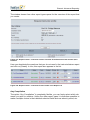
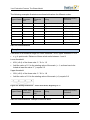
At the right-hand side of the screen you will see the average as well as the standard
deviation of the comparative group. This is repeated for the complete contents of the
questionnaire.
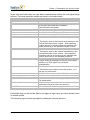
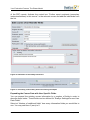
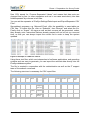
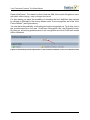
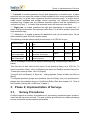
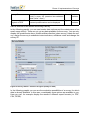
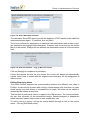
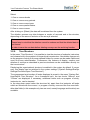
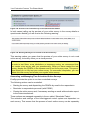
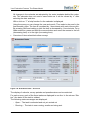
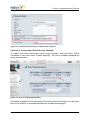
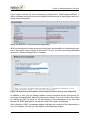
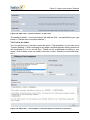
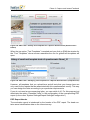
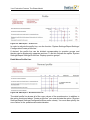
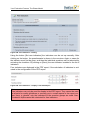
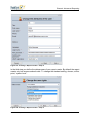
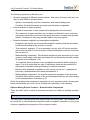
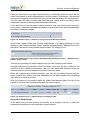
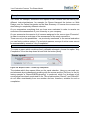
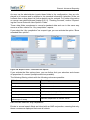
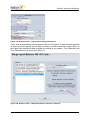
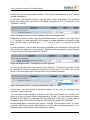
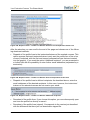
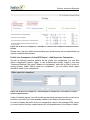
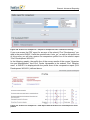
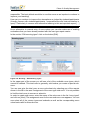
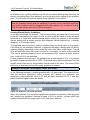
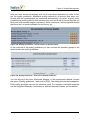
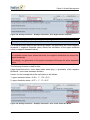
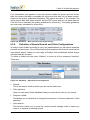
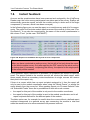
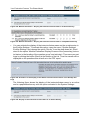
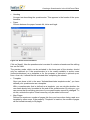
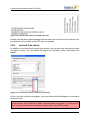
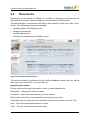
In the column “recommendation text” three text building blocks can be placed, which
should be displayed depending on whether the results are above average, average or
below average.
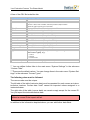
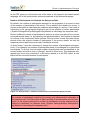
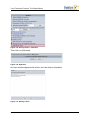
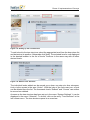
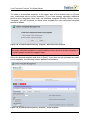
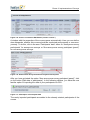
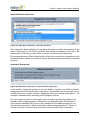
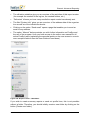
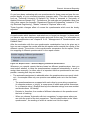
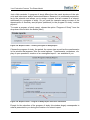
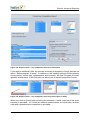
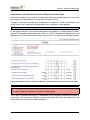
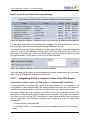
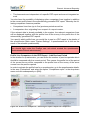
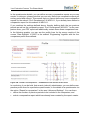
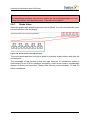
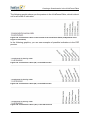
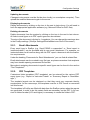
At the left using checkboxes you determine whether in addition to the dimensions
there should also be text building blocks for individual items.
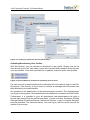
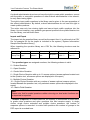
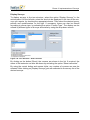
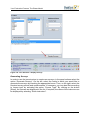
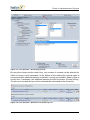
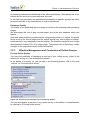
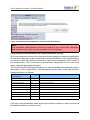
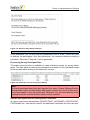
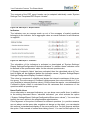
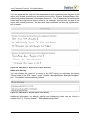
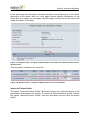
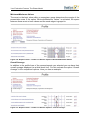
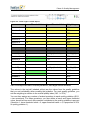
Example: Atmosphere Dimension
Above average score:
Congratulation! Your course is considered by your students/participants to have an
above average positive atmosphere (friendly manner with students/participants, cooperative, instructor/trainer is open). Particularly in courses with interactive teaching is
this an important aspect.
Average score:
Average score results in teaching are not bad, since most courses have been give
evaluated as good. (on a raw value scale between 1 and 7 at 5). So this is at least a
satisfactory score! How could you continue to improve the atmosphere as judged by
students/participants (friendly manner with students/participants, cooperative and
instructor/trainer is open)? Particularly in courses with interactive teaching is this an
important aspect […]
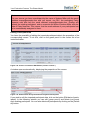
Below average score:
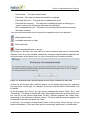
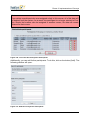
Comparative norms always place 49.99% of the values under the average and
49.99% above. But for norm values below 85 you should definitely take action. It is
important not to be discouraged or to make those circumstances you can’t change
318
© 2011 Electric Paper GmbH